1
CHAPTER 1. SYSTEM SETTING AND COMMON OPERATION
Program Register and License Update
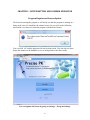
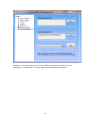
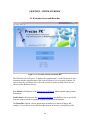
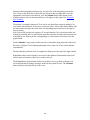
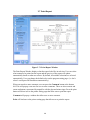
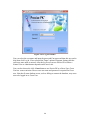
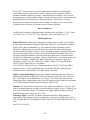
The first time starting the program, it will notify user that the program is running in a
demo mode since it is installed with a demo license. So user will see the following
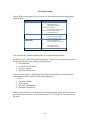
notification every time user starts the program with the demo license:
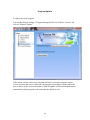
User can click "ok" and the program will start in demo mode. User can only use three
drugs and cannot use the database to save or load patients in the demo mode
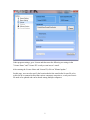
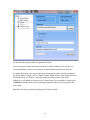
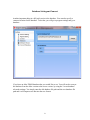
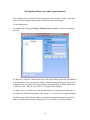
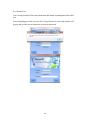
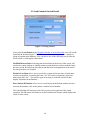
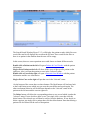
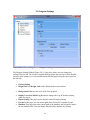
User can update the license by going to Settings→ Program Settings.
6