1
Config600 Lite/Lite+ User Manual
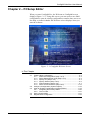
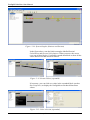
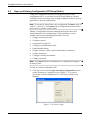
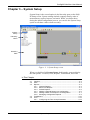
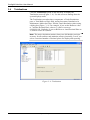
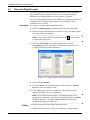
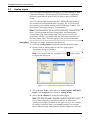
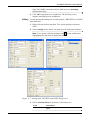
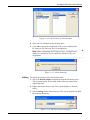
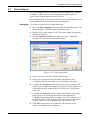
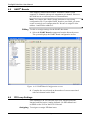
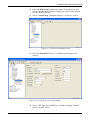
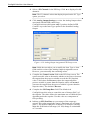
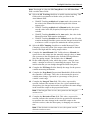
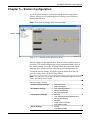
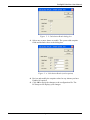
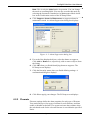
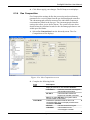
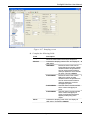
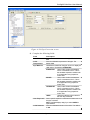
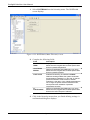
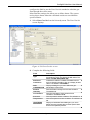
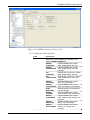
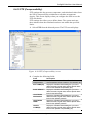
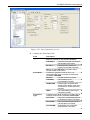
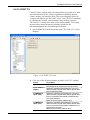
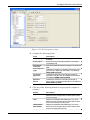
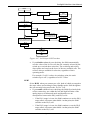
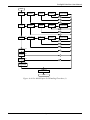
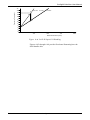
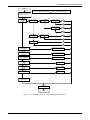
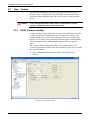
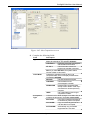
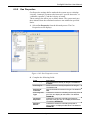
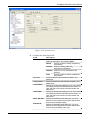
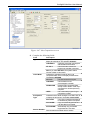
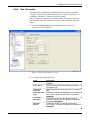
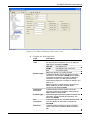
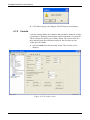
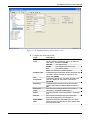
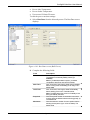
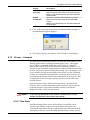
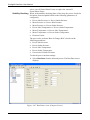
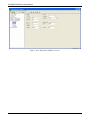
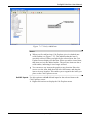
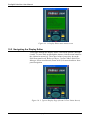
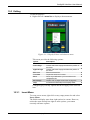
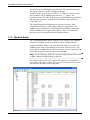
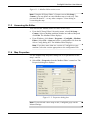
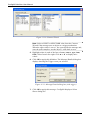
Figure 10- 1. Display Editor main menu screen
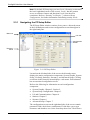
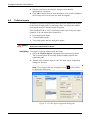
10.2 Navigating the Display Editor
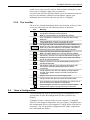
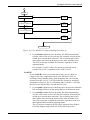
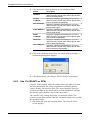
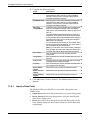
To navigate through the Display Editor, click menu options 1 through
6 and 8. To move back up through the menus, click the menu button or
the 4-direction arrow key. These keys behave just as they do on the
S600 front panel itself. Refer to Chapter 5 in the FloBoss S600 Flow
Manager Instruction Manual (Form A6115) for more details on front
panel navigation.
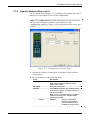
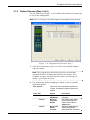
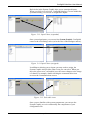
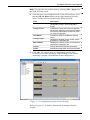
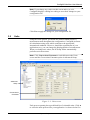
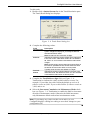
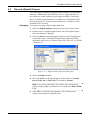
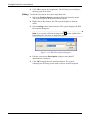
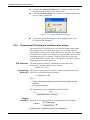
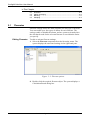
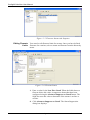
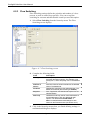
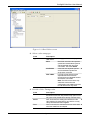
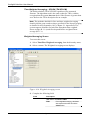
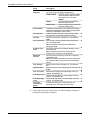
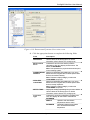
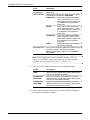
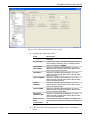
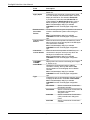
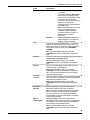
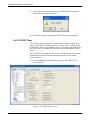
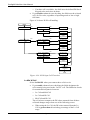
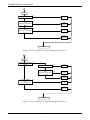
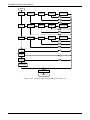
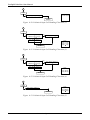
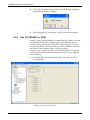
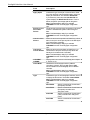
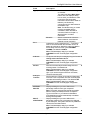
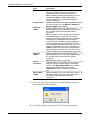
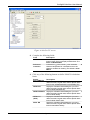
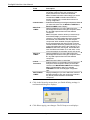
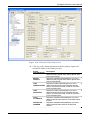
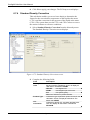
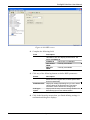
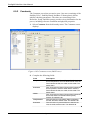
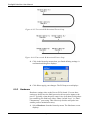
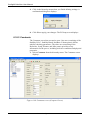
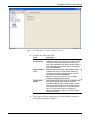
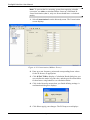
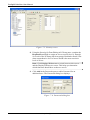
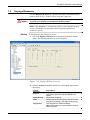
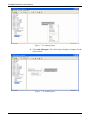
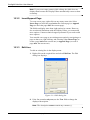
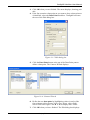
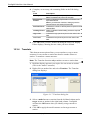
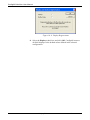
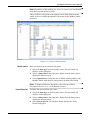
Figure 10- 2. Typical Display Page (Stream 2 Flow Limits shown)
10-2
Display Editor
Revised Jan-07