1
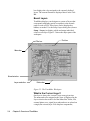
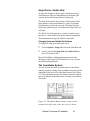
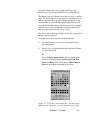
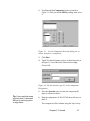
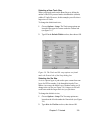
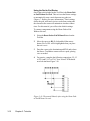
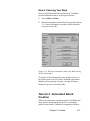
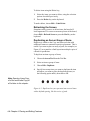
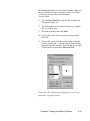
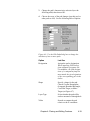
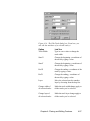
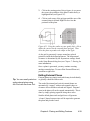
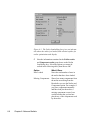
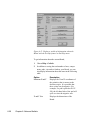
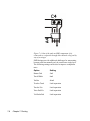
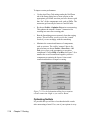
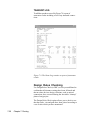
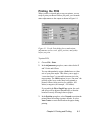
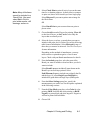
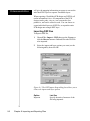
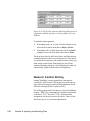
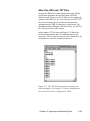
Figure 9.10. The Gerber Aperture Matching dialog box lets
you match available apertures with the primitives in your
PCB file.
To manually match apertures,
1
If matching a pad, via, or track, click the drop-down list,
select the best match, then choose Flash or Stroke.
2
If matching a fill, click the drop-down list for the Paint
technique, select the best match, then choose Paint.
The drop down lists for the Flash, Stroke, and Paint options
contain all apertures in the current aperture file. If no match
is available that conforms to the match tolerance setting you
made earlier on the Gerber Setup dialog box, the Gerber
Aperture Matching dialog box will be displayed so that you
can manually assign the best match for the primitive.
Numeric Control Drilling
Among TraxMaker’s output capabilities is the numeric
control (N/C) drill format. This format lets you take advantage of Excellon numeric control drilling equipment, which
drills holes through PCBs for pads and vias.
N/C drilling requires three files that you create in TraxMaker:
a binary “.DRL” file, containing hole coordinate information,
a reference “.TXT” file, and a “.TOL” file that includes
assignments for the tools used to drill holes. These are the
files that you give to your board manufacturer.
9-22
Chapter 9: Importing and Exporting Files