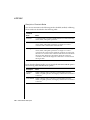
1
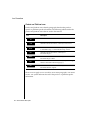
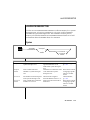
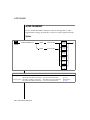
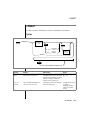
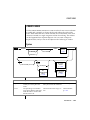
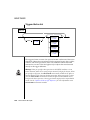
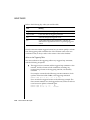
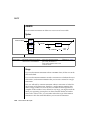
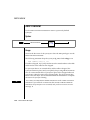
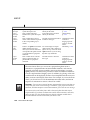
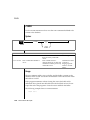
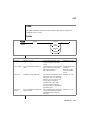
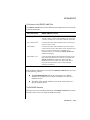
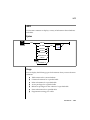
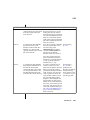
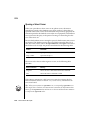
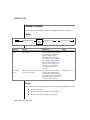
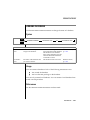
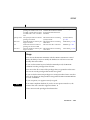
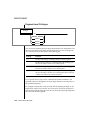
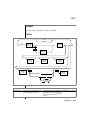
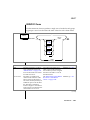
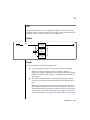
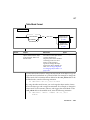
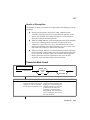
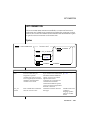
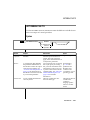
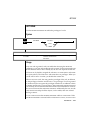
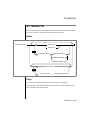
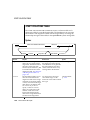
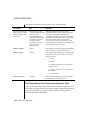
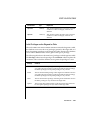
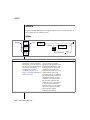
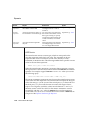
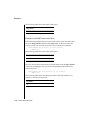
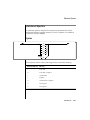
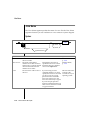
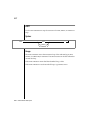
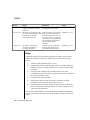
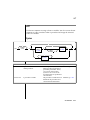
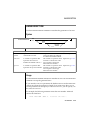
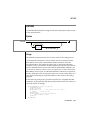
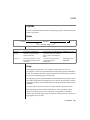
GRANT
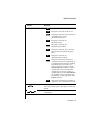
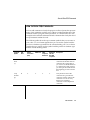
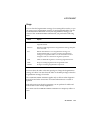
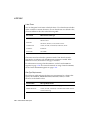
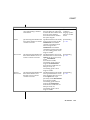
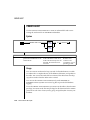
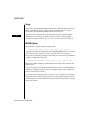
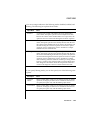
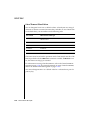
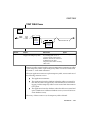
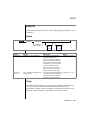
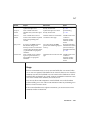
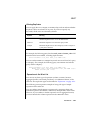
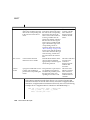
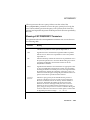
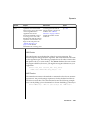
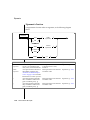
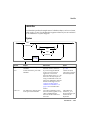
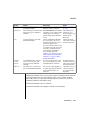
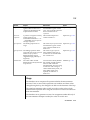
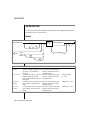
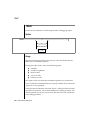
Privilege
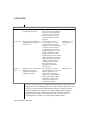
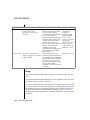
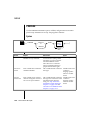
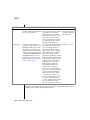
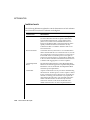
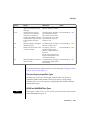
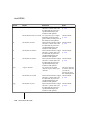
Functions
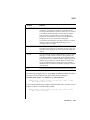
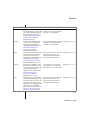
REFERENCES
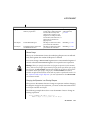
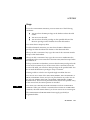
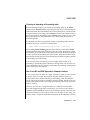
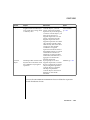
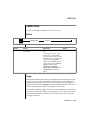
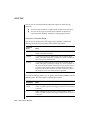
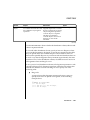
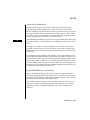
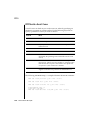
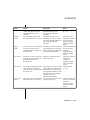
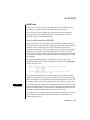
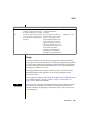
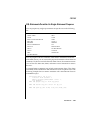
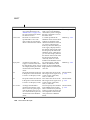
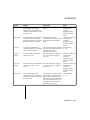
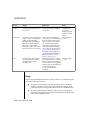
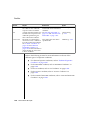
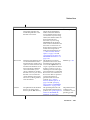
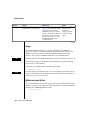
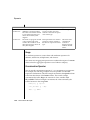
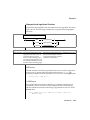
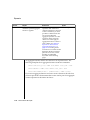
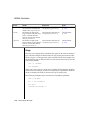
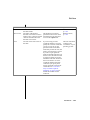
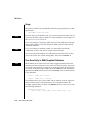
Provides the ability to reference columns in referential
constraints. You must have the Resource privilege to take
advantage of the References privilege. (However, you can add
a referential constraint during an ALTER TABLE statement.
This action does not require that you have the Resource
privilege on the database.) You can restrict the References
privilege to one or more columns by listing them.
You need only the References privilege to indicate cascading
deletes. You do not need the Delete privilege to place
cascading deletes on a table.
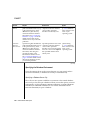
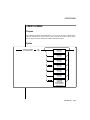
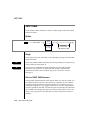
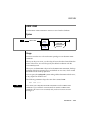
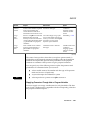
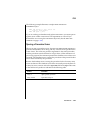
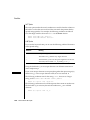
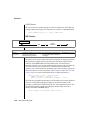
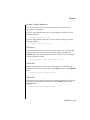
INDEX
Provides the ability to create permanent indexes. You must
have Resource privilege to use the Index privilege. (Any user
with the Connect privilege can create an index on temporary
tables.)
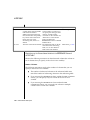
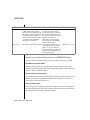
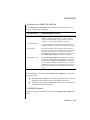
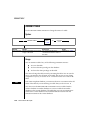
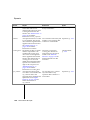
ALTER
Provides the ability to add or delete columns, modify column
data types, or add or delete constraints. This privilege also
provides the ability to set the object mode of unique indexes
and constraints to the enabled, disabled, or filtering mode. In
addition, this privilege provides the ability to set the object
mode of nonunique indexes and triggers to the enabled or
disabled modes. You must have Resource privilege to use the
Alter privilege.
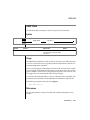
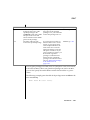
ALL
Provides all privileges. The PRIVILEGES keyword is optional.
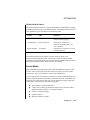
(2 of 2)
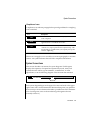
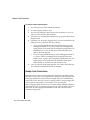
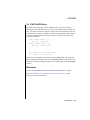
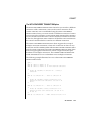
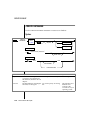
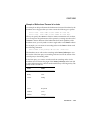
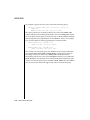
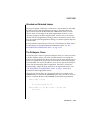
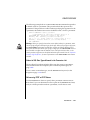
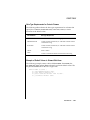
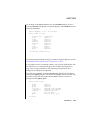
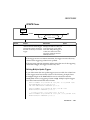
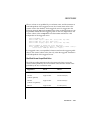
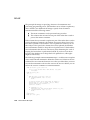
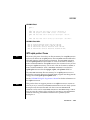
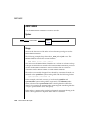
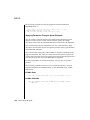
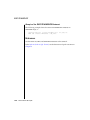
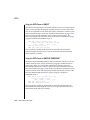
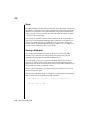
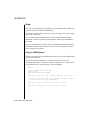
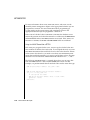
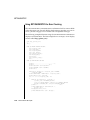
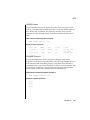
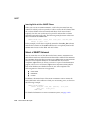
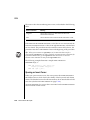
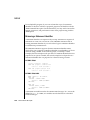
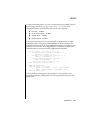
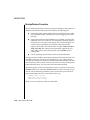
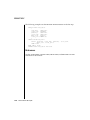
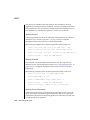
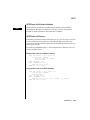
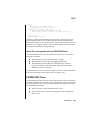
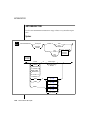
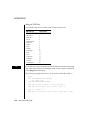
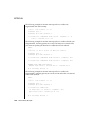
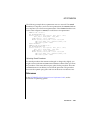
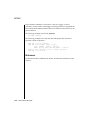
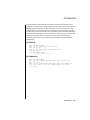
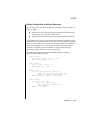
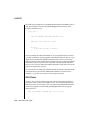
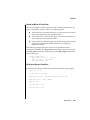
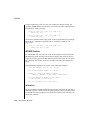
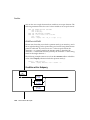
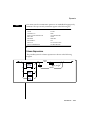
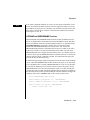
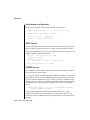
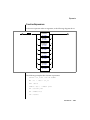
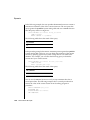
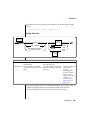
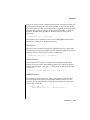
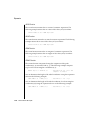
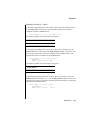
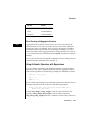
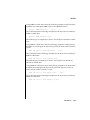
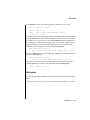
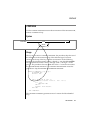
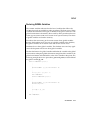
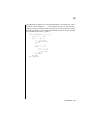
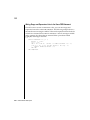
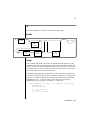
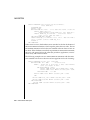
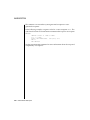
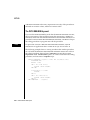
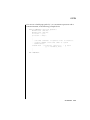
The following example grants, to users mary and john, the Delete and Select
privileges on all columns. It also grants the Update privilege on
customer_num, fname, and lname for the customer table.
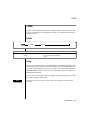
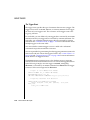
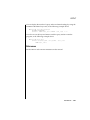
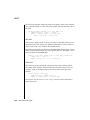
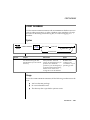
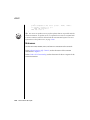
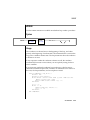
GRANT DELETE, SELECT, UPDATE (customer_num, fname, lname)
ON customer TO mary, john
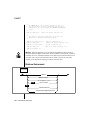
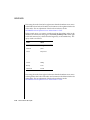
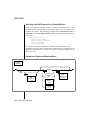
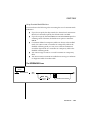
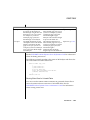
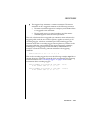
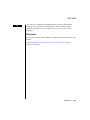
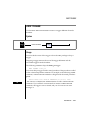
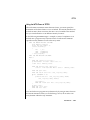
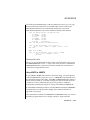
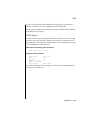
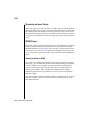
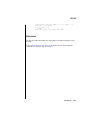
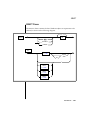
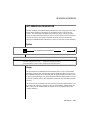
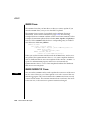
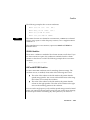
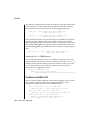
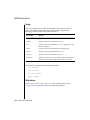
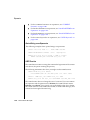
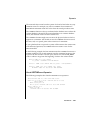
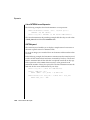
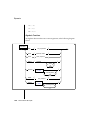
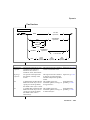
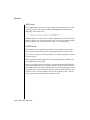
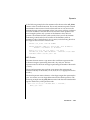
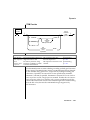
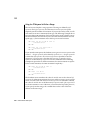
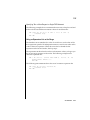
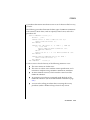
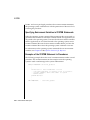
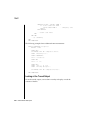
To grant these table-level privileges to all authorized users, use the keyword
PUBLIC as shown in the following example:
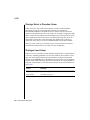
GRANT DELETE, SELECT, UPDATE (customer_num, fname, lname)
ON customer TO PUBLIC
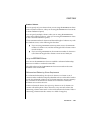
SQL Statements 1-351