1
21
User Manual of Network Camera
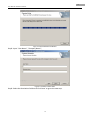
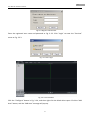
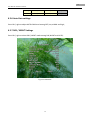
Fig.3.4.1 Register Administrator
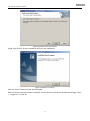
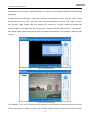
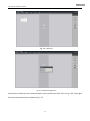
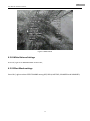
Enter the registered user name and password as Fig. 3.3.2. Click “Login” to enter the “Preview”
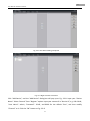
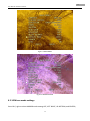
menu as Fig. 3.3.3.
Fig. 3.4.2 User Login
Fig. 3.4.3 Preview Menu
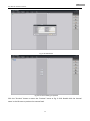
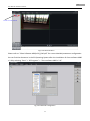
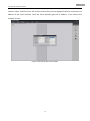
Click the “Configure” button in Fig. 3.3.4, and then right click the blank white space. Click the “Add
Area” button, and the “Add Area” message will pop up.
21