1
Case Entry & Update
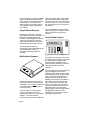
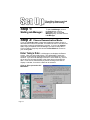
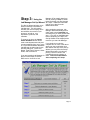
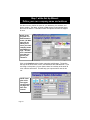
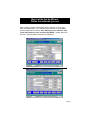
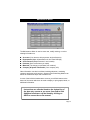
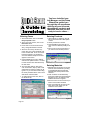
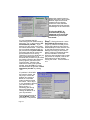
Logging in a case or creating an invoice is as easy as filling in information
in the form shown below. The blue fields are required and the black
fields are optional. Use the Products tab to add products to a case or
invoice, and use the Materials tab to add materials. After you have
defined all of the important information and the case is ready to be
invoiced, change the Case Status to Closed. This means you are
finished with the case.
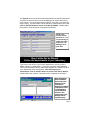
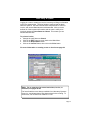
To print an invoice;
♦ Change the case Status to Closed.
♦ Click on the EXIT button to return back to the Main Menu.
♦ Click on the Report Menu button.
♦ Click on the Invoice Button, then click on the Print button.
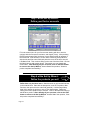
For more information on creating a case or invoice see page 30.
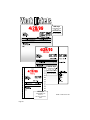
Note: For an example of an actual work ticket, invoice, or
statement, see pages 26-28.
The forms listed there are always available from Laboratory Systems
Group, Inc. and shipped same day when ordered in the morning. To
order forms, call our order line at 800-677-1120.
Page 21