1
Introduction to Quantum GIS Tutorial Version 0.8.0
2/16/2007
Tools
-----------------------------------------------------------------------------------------------------------
10.6.1
General Information for Zoom to Layer
10.6.1.01
Zoom to a layers extent will set the map display to an area just big enough
to show every feature in a particular layer.
10.6.2
Setup for Zooming to Layer
10.6.2.01
Not Applicable
10.6.3
Steps for Zooming to Layer Extent
10.6.2.01
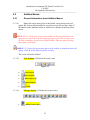
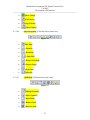
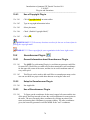
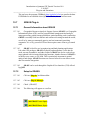
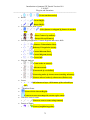
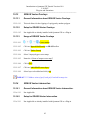
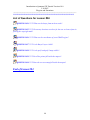
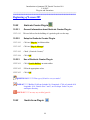
Click on the [Zoom to Layer] button on the Map Navigation Toolbar or
10.6.3.02
Right-click on the layer in the legend, a new menu will popup.
10.6.3.03
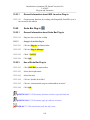
Click on [Zoom to Layer Extent]
10.7
Panning
10.7.1
General Information for Panning
10.7.1.01
Panning allows the user to move the map display around to show areas
outside of the current viewing area without changing the scale of the map.
10.7.2
Setup for Panning
10.7.2.01
Not Applicable
10.7.3
Steps for Panning
10.7.3.01
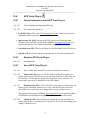
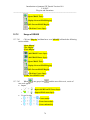
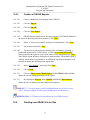
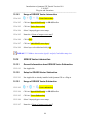
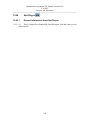
Click the [Pan] button on the Map Navigation Toolbar.
10.7.3.02
Move the mouse over the map.
10.7.3.03
Click and hold down the left mouse button.
10.7.3.04
Move the mouse, still holding down the mouse button. The map will move
with the mouse.
10.7.3.05
Release the mouse button to complete the pan operation
31