1
Introduction to Quantum GIS Tutorial Version 0.8.0
2/16/2007
Manipulating the Map
-----------------------------------------------------------------------------------------------------------
Chapter 12
Manipulating the Map
12.1
Querying Map Features
12.1.1
General Information for Querying Map Features
12.1.1.01
Identifying features - The identify tool
attribute data about a feature on the map
is the simplest way to retrieve
12.1.1.02
The identify result tool has a limited radius of effect.
12.1.2
Setup for Querying Map Features:
12.1.2.01
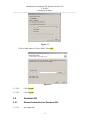
Click the [Settings] menu from the main menu.
12.1.2.02
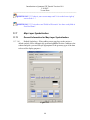
Click on the [Options] tab
12.1.2.03
Click on [Selection and Measuring]
12.1.2.04
Enter a valid search radius.
12.1.2.05
Press the [OK] button.
12.1.3
Steps for Querying Map Features
12.1.2.01
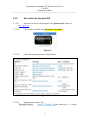
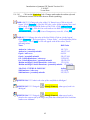
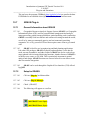
Click the [Identify] button on the toolbar.
12.1.3.02
Move the mouse over the map and click on the feature to be identified.
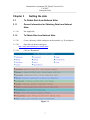
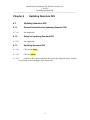
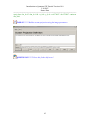
The Identify Results dialog will be displayed.
TASK #23***** Zoom into the state of Maine.
QUESTION #13 ***** what is the northern most county in Maine?
QUESTION #14 ***** what are size in square miles of this county?
12.2
Selecting Features by Rectangle
51