1
Introduction to Quantum GIS Tutorial Version 0.8.0
2/16/2007
Rendering
-----------------------------------------------------------------------------------------------------------
Chapter 7
Rendering
7.1
Rendering
7.1.1
General Information about Rendering
7.1.1.01
By default, QGIS renders all visible layers whenever the map canvas must
be refreshed. The events that trigger a refresh of the map canvas include:
• Adding a layer
• Panning or zooming
• Resizing the QGIS window
• Changing the visibility of a layer or layers
7.1.1.02
QGIS allows the user to control the rendering process in a number of
ways.
7.1.2
Setup for Rendering:
7.1.2.01
Controlling Map Rendering: Map rendering can be controlled in the
following ways:
• Stopping rendering during drawing of the map canvas
• Temporarily suspending rendering
• Setting an option to control the visibility of layers when they are added
7.1.2.02
Stopping Rendering: To stop the map drawing, press the [ESC] key. This
will halt the refresh of the map canvas and leave the map partially drawn. It may
take a bit of time between pressing [ESC] and the time the map drawing is halted.
7.1.2.03
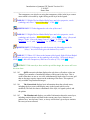
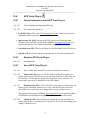
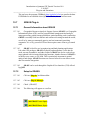
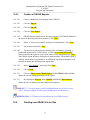
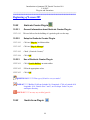
Suspending Rendering: To suspend rendering, click the ‘(Render)’
checkbox in the lower right corner of the status bar. When the
Render box is not checked, QGIS does not redraw the canvas in response to any
of the events described in Section 103.1.1.01
7.1.2.04
•
•
•
•
Examples of when the user might want to suspend rendering include:
Add many layers and symbolize them prior to drawing
Add one or more large layers and set scale dependency before drawing
Add one or more large layers and zoom to a specific view before drawing
Any combination of the above
7.1.2.05
Checking the ‘(Render)’ box enables rendering and causes and immediate
refresh of the map canvas.
16