1
LPCXpresso
NXP Semiconductors
Getting started with NXP LPCXpresso
3.3 Activation
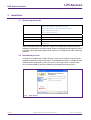
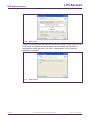
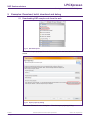
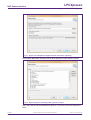
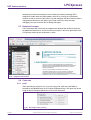
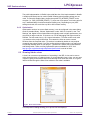
To activate your product from LPCXpresso, choose Help->Product activation->Create
serial number and register. Once the wizard is open, click “Copy to clipboard” to copy the
LPCXpresso serial number into the clipboard. This serial number is based on your
machine’s hardware and operating system configuration, but contains no personally
identifiable information. Now click the button to open the registration activation page. This
should display a web form. After completing the form, you will receive an activation code
via email within a few minutes. Highlight the activation code in your email program, and
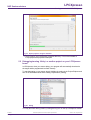
select Copy to place it into the Windows clipboard. Now, choose select Help->Product
activation->Enter activation code from within LPCXpresso. Paste the product activation
code into the Product activation dialog by right clicking in the Activation code field and
choosing “Paste.” Then click the “OK” button. You should receive a dialog confirming
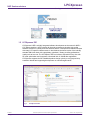
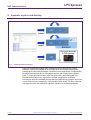
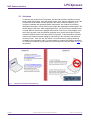
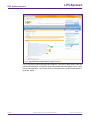
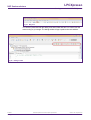
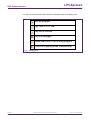
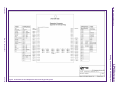
acceptance of the activation code. It is also possible to complete LPCXpresso activation
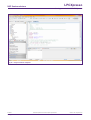
on a PC that is offline as long as another PC has access to the Internet. Refer to Fig 7 for
the process.
Fig 7.
LPCXpresso
User guide
LPCXpresso activation with offline PC
All information provided in this document is subject to legal disclaimers.
Rev. 11 — 14 June 2011
© NXP B.V. 2011. All rights reserved.
11 of 49