1
Getting Started for I-7000 Series Modules
2.4
Starting the 7000 Utility
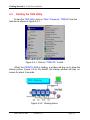
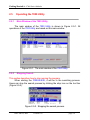
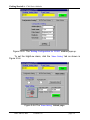
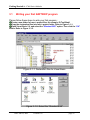
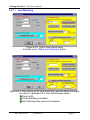
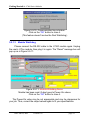
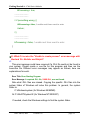
To start the 7000 Utility, click on “Start / Programs / 7000Util” from the
task bar as shown in Figure 2-4-1.
Figure 2-4-1. Click on “7000UTIL” to start.
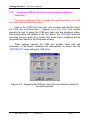
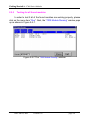
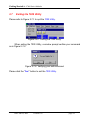
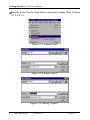
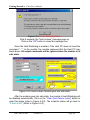
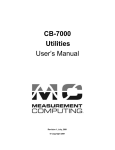
When the 7000UTIL.EXE is loading, a window will pop up to show the
startup picture (Figure 2-4-2). By default, the startup window will stay onscreen for about 3 seconds.
Figure 2-4-2. Startup picture.
Date: Jan-08, 2002
Version 1.02
page: 14