1
BROWSER MENU
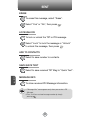
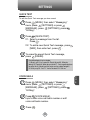
FORWARD
When the “Forward” item is selected from the Browser Menu, the
phone displays the next page in the history. This is only available if the
user has navigated backward in the history.
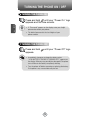
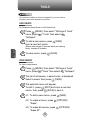
1 To forward to the next page.
Press
, then press
[MENU]
.
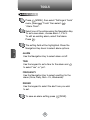
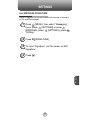
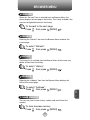
REFRESH
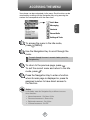
Selecting the “Refresh” item from the Browser Menu refreshes the
current page.
1 To select “Refresh”.
Press
, then press
[MENU]
.
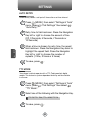
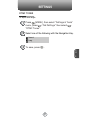
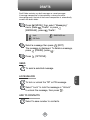
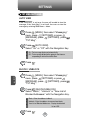
HISTORY
The history list is available from the Browser Menu and the user may
delete all items from the history.
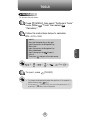
1 To select “History”.
Press
, then press
[MENU]
.
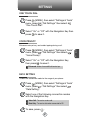
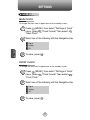
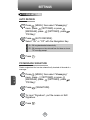
ADDRESS
Selecting the “Address” item from the Browser Menu displays the
URL of the current page.
1 To select “Address”.
Press
, then press
[MENU]
.
7
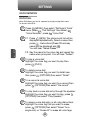
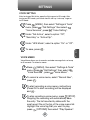
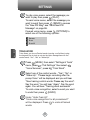
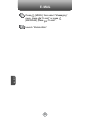
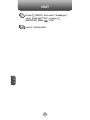
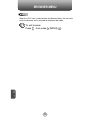
CLEAR MEMORY
The user may clear cache, history, cookies and auto fill from the
memory.
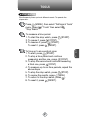
1 To clear browser memory.
Press
C
H
, then press
117
[MENU]
.