1
BASIC FUNCTIONS
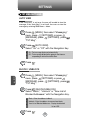
WAIT/PAUSE FEATURE
C
H
2
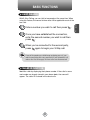
Pauses are used for automated systems (i.e., voice mail, calling cards).
Insert a pause after a phone number then enter another group of
numbers. The second set of numbers is dialed automatically after the
pause. This feature is useful for dialing into systems that require a code.
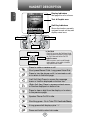
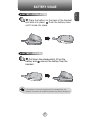
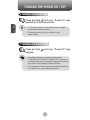
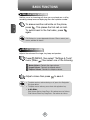
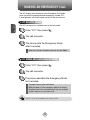
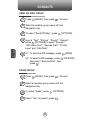
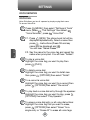
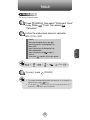
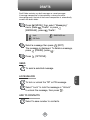
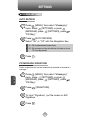
1 To insert a wait/pause, enter a phone number
then press
[OPTIONS]. Select either a 2-Sec
Pause (“P” appears) or a Wait (“W” appears).
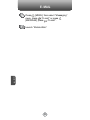
2 Press
to dial or
to save.
Please refer to page 30 for more details about
storing a phone number.
ANSWERING A CALL
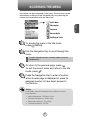
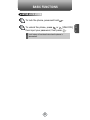
1 To answer a call, press any key except
,
,
,
,
or
,
.
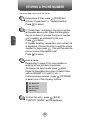
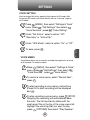
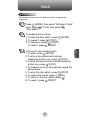
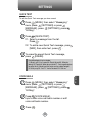
l By pressing
[MENU] and then select “Settings & Tools”
menu, press
, you can select either “Flip Open”,
“Any Key” or “Send Only” to answer a call. lf “Send Only” is
selected, the phone can only be answered by pressing
.
See page 65 for more information.
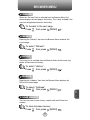
2 To end the call, press
.
In Auto Answer Mode a call is automatically answered after
5 seconds of ring tones. See page 65 for more details.
22
,