1
CONTACTS
CONTACT LIST
Retrieves an entry by name and calls by simply pressing
.
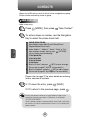
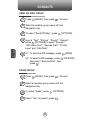
You can review all the entries stored in your phone book list or
quickly find an entry by entering a name or its character string.
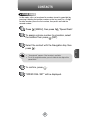
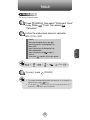
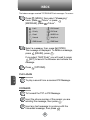
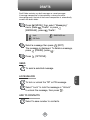
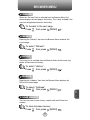
1 Press
[MENU], then press
or press
[CONTACTS].
“Contact List”
2 The list of names in your phone book is
displayed alphabetically.
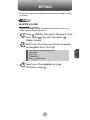
3 Enter a name or its character string or scroll
through the list with the Navigation Key.
Please refer to page 31 for more details on
entering letters, numbers & symbols.
C
H
4
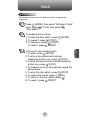
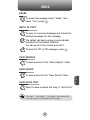
4 To edit the entry, press
[EDIT].
To view the contact details, press
[VIEW].
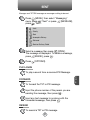
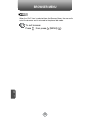
To use and manage contacts, press
[OPTIONS] then select:
1. New Contact: To add a New Contact.
2. Erase: To delete a contact.
3. Send TXT Msg: To begin a TXT message to the contact.
4. Send PIX Msg: To create a picture message.
5. Call: To call the contact.
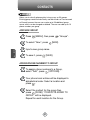
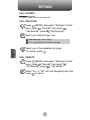
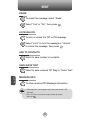
5 To call the selected number, press
then select “Call” or press
39
.
[OPTIONS]