1
2900B TRAINING MANUAL
$
CH2
EXIT
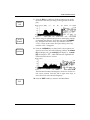
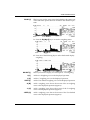
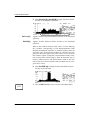
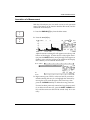
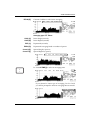
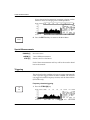
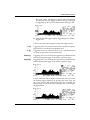
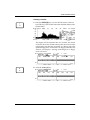
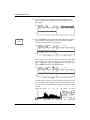
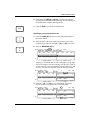
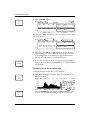
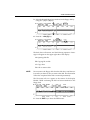
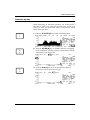
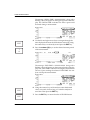
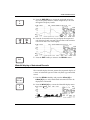
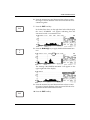
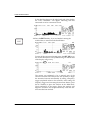
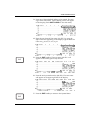
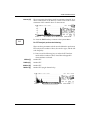
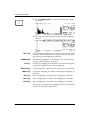
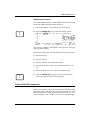
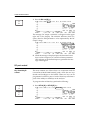
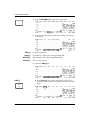
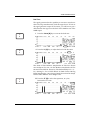
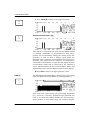
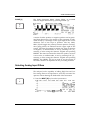
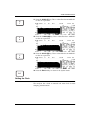
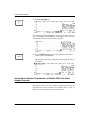
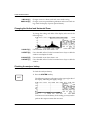
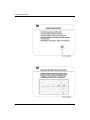
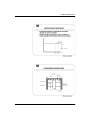
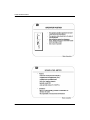
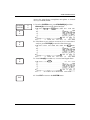
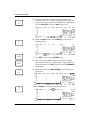
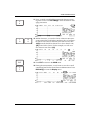
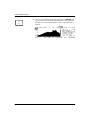
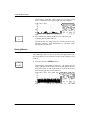
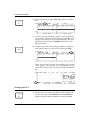
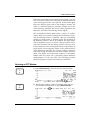
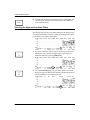
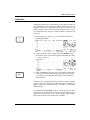
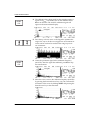
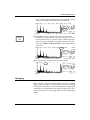
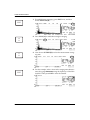
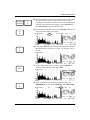
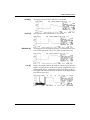
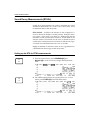
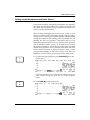
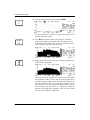
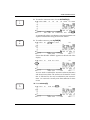
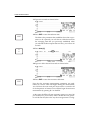
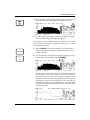
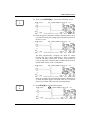
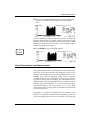
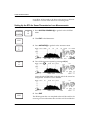
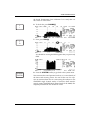
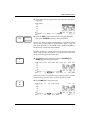
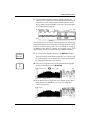
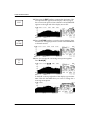
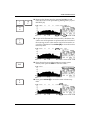
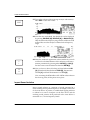
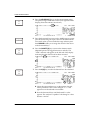
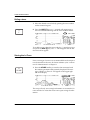
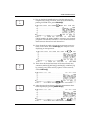
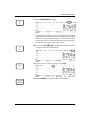
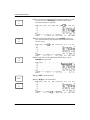
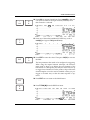
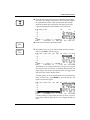
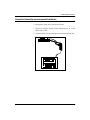
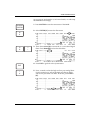
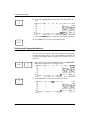
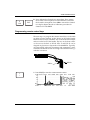
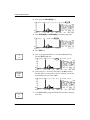
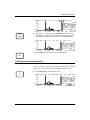
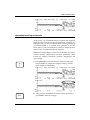
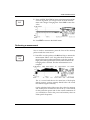
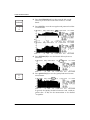
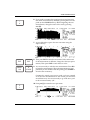
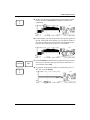
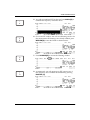
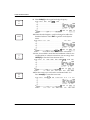
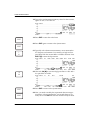
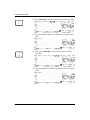
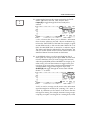
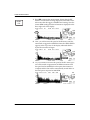
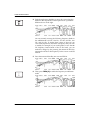
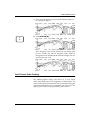
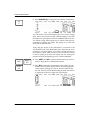
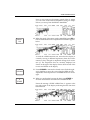
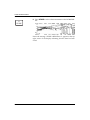
8. Now calibrate the Channel two microphone. First, remove
the channel one microphone from the calibrator, and insert
the channel 2 microphone. Press CH2 to activate the channel
two display. Repeat the above calibration procedure for
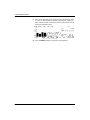
channel two. Press EXIT.
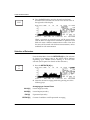
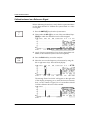
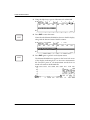
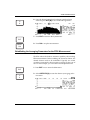
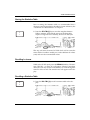
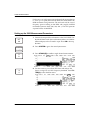
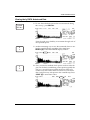
Programming remote control keys
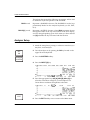
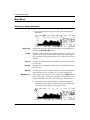
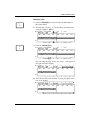
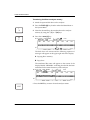
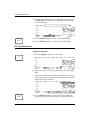
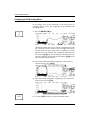
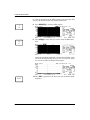
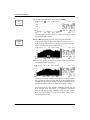
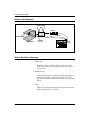
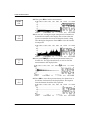
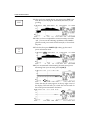
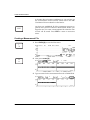
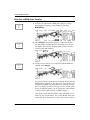
The next step is to program the remote control keys on the 2260
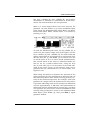
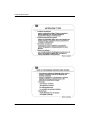
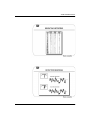
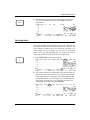
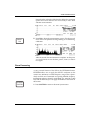
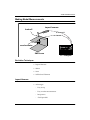
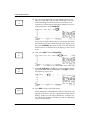
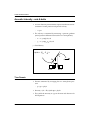
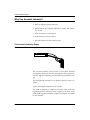
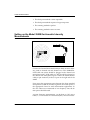
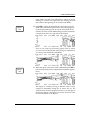
(or 2250) acoustic intensity probe. Notice on the probe handle
that there are two keys or buttons: one on the front of the handle
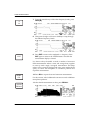
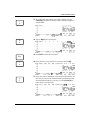
and one on the back of the handle. The key on the front is KEY
A; the one on the back is KEY B. KEY A and KEY B can be
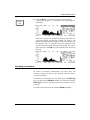
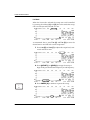
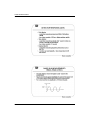
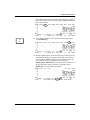
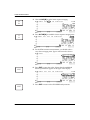
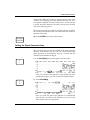
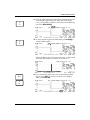
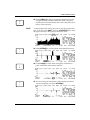
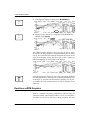
assigned any function or keystroke of the 2900B RTA. Typically,
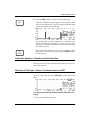
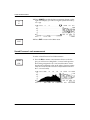
one assigns KEY A the task of initiating and terminating a measurement, and KEY B the task of storing a measurement. Let’s go
with this convention.
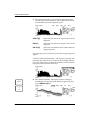
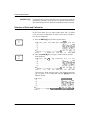
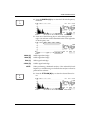
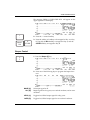
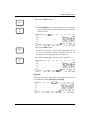
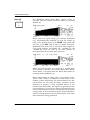
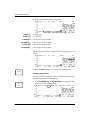
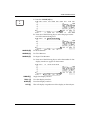
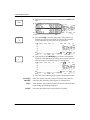
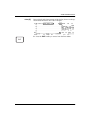
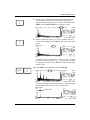
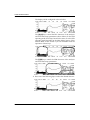
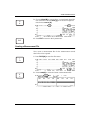
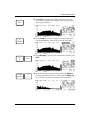
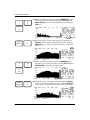
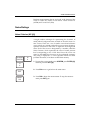
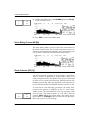
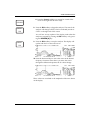
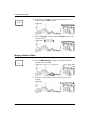
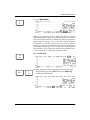
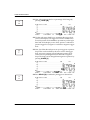
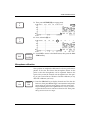
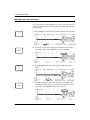
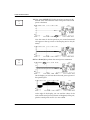
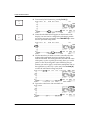
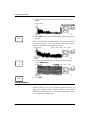
KEY A
Y
I
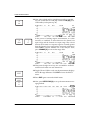
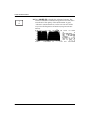
KEY B
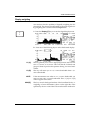
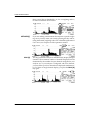
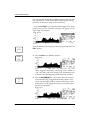
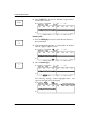
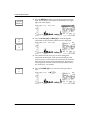
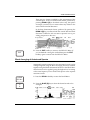
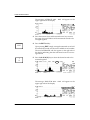
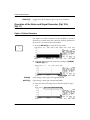
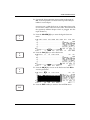
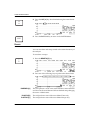
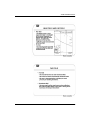
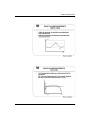
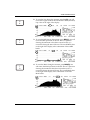
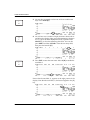
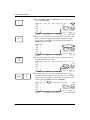
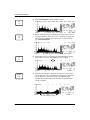
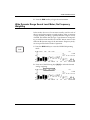
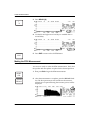
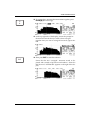
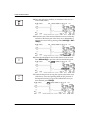
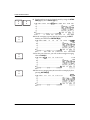
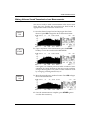
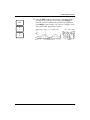
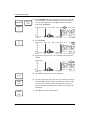
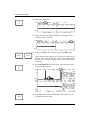
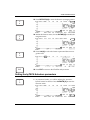
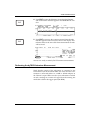
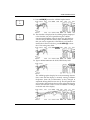
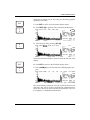
1. Press I/O [I] to enter the communications menu.
12-17