1
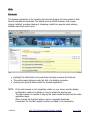
Assigning Applications
●
●
●
●
●
●
●
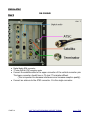
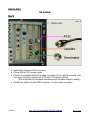
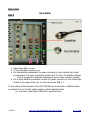
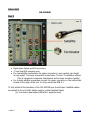
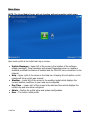
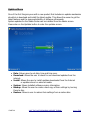
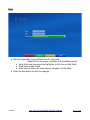
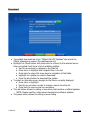
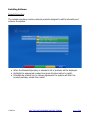
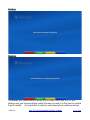
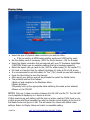
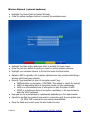
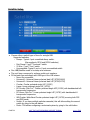
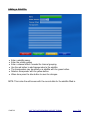
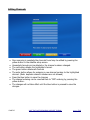
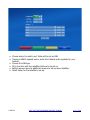
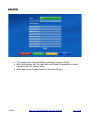
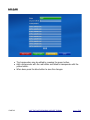
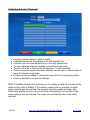
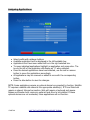
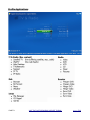
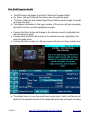
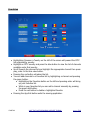
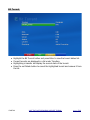
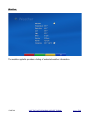
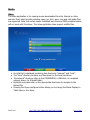
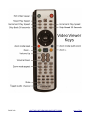
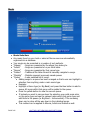
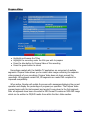
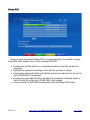
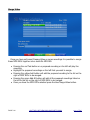
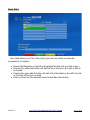
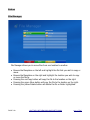
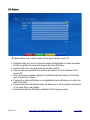
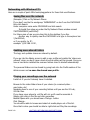
Select profile with up/down buttons.
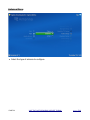
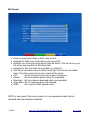
Available applications will be displayed in the left available box.
Applications that have been added will be in the right selected box.
To move individual applications highlight an application and press enter. The
box to the left of the application will display an “x” when selected.
Once the desired applications have been selected, use the add or remove
button to move the applications accordingly.
All applications may be removed or added at once with the corresponding
button.
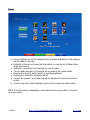
Press the blue button to save the changes.
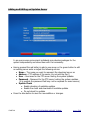
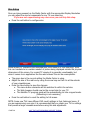
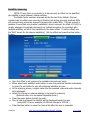
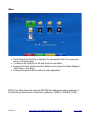
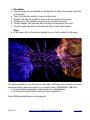
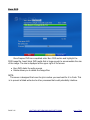
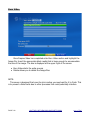
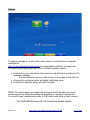
NOTE: Some applications require an optional device be connected to function. Satellite
TV requires a satellite dish aimed at the appropriate satellite(s). IPTV and Web both
require a network Internet connection. Web will require a keyboard and mouse.
Games and Roaster both require an optional hard drive to be installed. If these
optional devices are not connected, these applications will not function.
PAGE 69
VISIT THE CAPTIVEWORKS SUPPORT FORUM
BACK TO
TOC