1
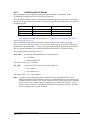
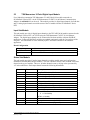
4.1.8.3
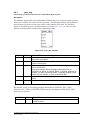
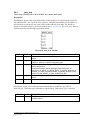
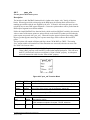
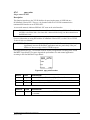
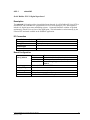
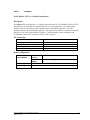
er32di
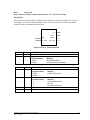
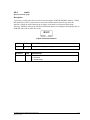
SCADAPack ER 32 channel digital input board
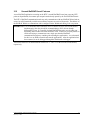
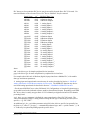
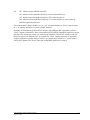
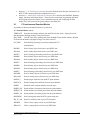
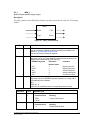
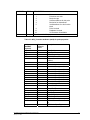
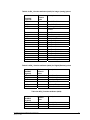
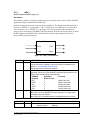
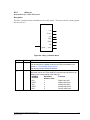
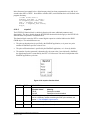
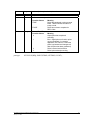
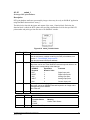
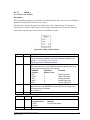
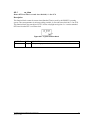
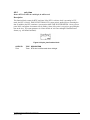
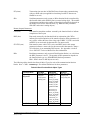
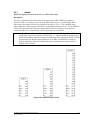
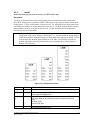
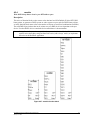
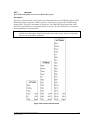
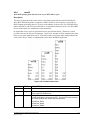
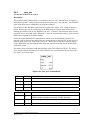
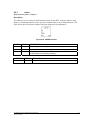
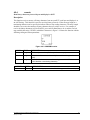
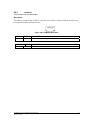
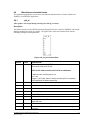
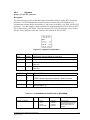
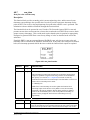
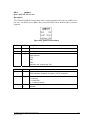
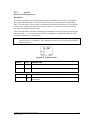
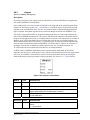
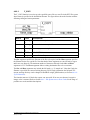
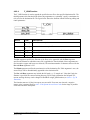
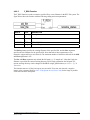
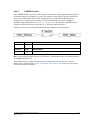
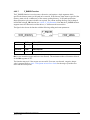
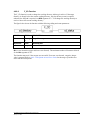
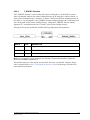
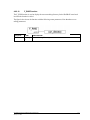
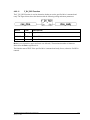
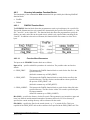
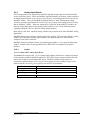
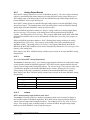
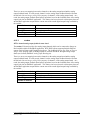
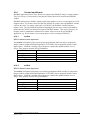
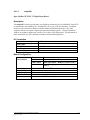
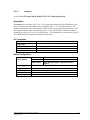
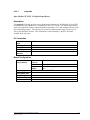
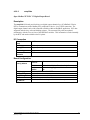
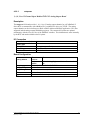
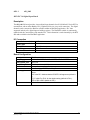
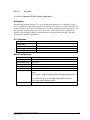
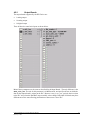
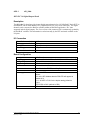
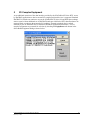
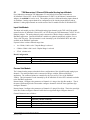
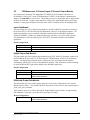
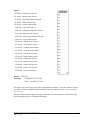
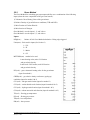
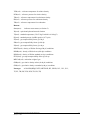
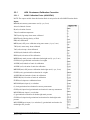
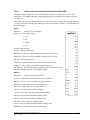
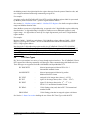
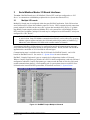
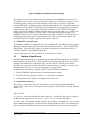
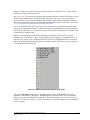
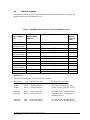
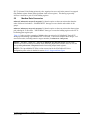
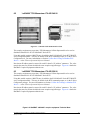
The er32di input board references a physical binary input card by specifying a Rack_Num and
Slot_Num field (see Section 4.1.8 - SCADAPack ER I/O Boards for detailed descriptions of these
fields). The channel number in the ISaGRAF I/O Connection window corresponds to the physical
channel number on the SCADAPack ER I/O card.
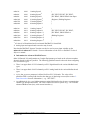
Unlike the er16ro output board, there must be point database configuration points associated with
the physical channels referenced by the er32di input board Rack_Num and Slot_Num fields for
proper operation.
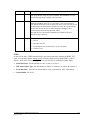
Where an ISaGRAF application attaches a Boolean variable to an er32di input board, the Current
State Property of the digital point will be read into the ISaGRAF variable. The er32di input board
may be successfully opened if there is a valid I/O card configuration loaded into the SCADAPack
ER controller, and there is at least 1 physical binary input configuration point associated with the
given I/O card.
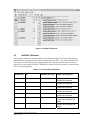
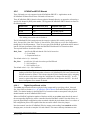
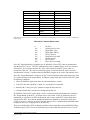
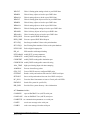
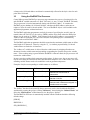
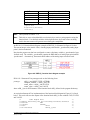
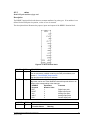
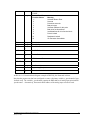
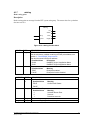
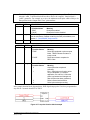
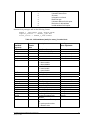
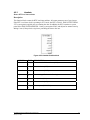
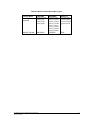
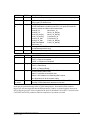
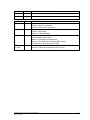
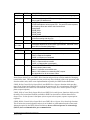
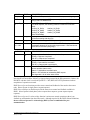
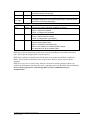
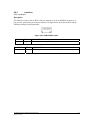
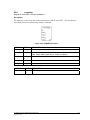
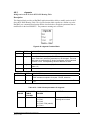
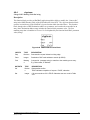
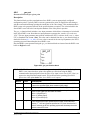
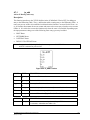
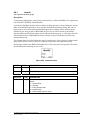
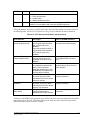
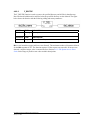
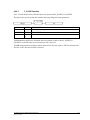
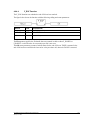
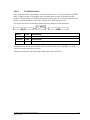
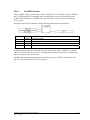
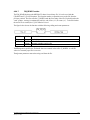
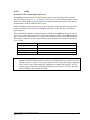
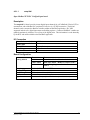
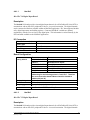
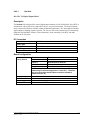
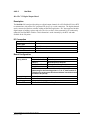
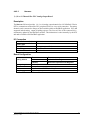
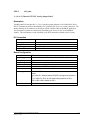
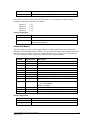
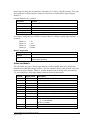
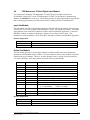
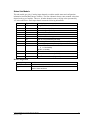
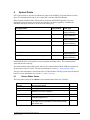
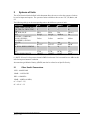
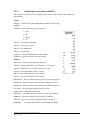
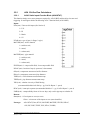
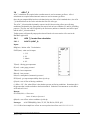
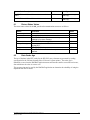
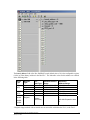
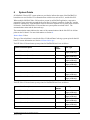
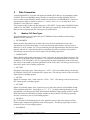
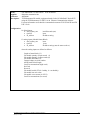
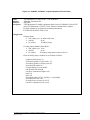
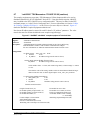
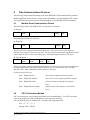
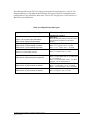
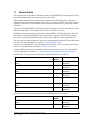
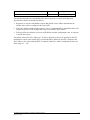
Board Reference (hex)
Library type
Data type
Channel type
Number of channels
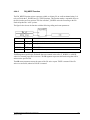
Note:
0x1A
IO board
Digital (Boolean)
Input
32
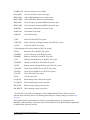
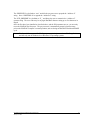
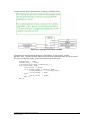
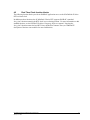
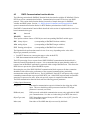
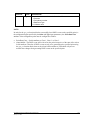
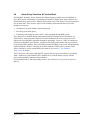
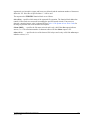
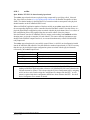
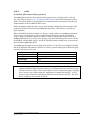
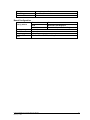
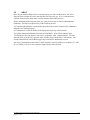
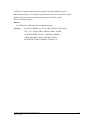
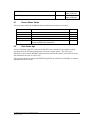
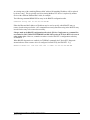
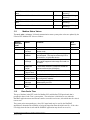
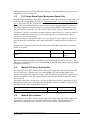
A valid I/O card configuration must be loaded into the SCADAPack ER RTU prior to
loading an ISaGRAF application that references a SCADAPack ER I/O board, otherwise the
I/O board can not be opened. This is done using the E Series Configurator tool by assigning
an I/O card to a rack on and writing the Configurator file changes onto the RTU. A cold
restart is required after these configuration details have been written to the RTU. See the E
Series Configurator User manual for details.
E Series ISaGRAF IO Connection Reference Manual
February 7, 2006
22