1
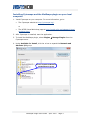
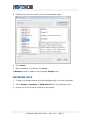
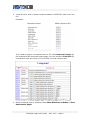
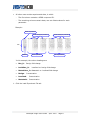
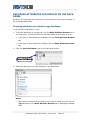
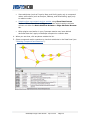
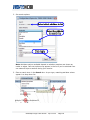
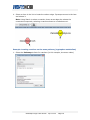
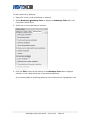
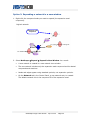
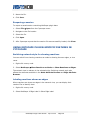
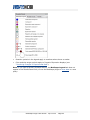
4. The Data Panel displays attributes for the selected reactions.
Locating compounds or reactions using the Data Panel
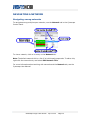
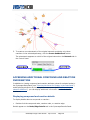
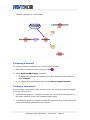
You can locate compounds and reactions in the network by selecting their attributes
in the Data Panel.
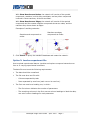
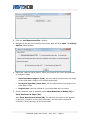
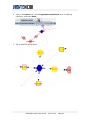
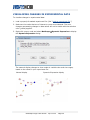
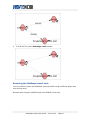
1. Click the Node Attribute Browser or Edge Attribute Browser tab in the Data
Panel.
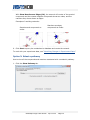
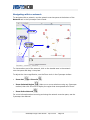
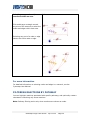
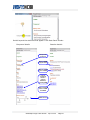
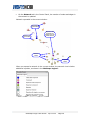
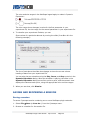
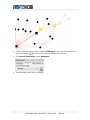
2. Select attribute rows for the nodes or edges you want to locate.
•
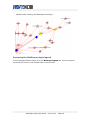
Click on a single row to highlight a single compound or reaction.
•
Use Ctrl-click to select multiple discontiguous rows.
•
Use Shift-click to select a range of contiguous rows.
Metscape Plugin User Guide · April 2010 · Page 21