1
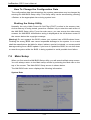
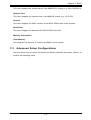
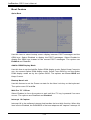
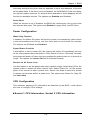
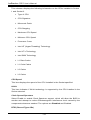
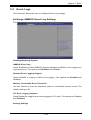
Chapter 7: BIOS 7-4 Event Logs This submenu allows the user to configure Event Log settings. Change SMBIOS Event Log Settings This feature allows the user to configure SMBIOS Event settings. Enabling/Disabling Options SMBIOS Event Log Select Enabled to enable SMBIOS (System Management BIOS) event logging during system boot. The options are Enabled and Disabled. Runtime Error Logging Support Select Enabled to support runtime error logging. The options are Enabled and Disabled. Memory Correctable Error Threshold Use this feature to enter the threshold value for correctable memory errors. The default setting is 10. PCI Error Logging Support Select Enabled to support error event logging for PCI slots. The options are Enabled and Disabled. Erasing Settings 7-23