1
Installing the unit
DSLPipe/CellPipe Quick Setup
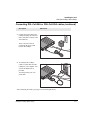
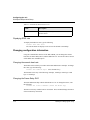
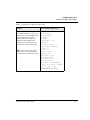
Connecting DSL-HSTB cables
Description
Illustration
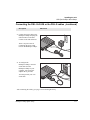
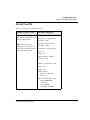
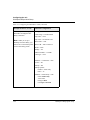
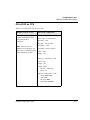
3 Connect the power cable to the
DSLPipe and plug the other end
into a wall outlet. Connect to the
wall outlet last.
There is no power switch.
Connecting the power cable
turns on the DSLPipe.
WAN
OLE
NS
CO
10
BT
R
PW
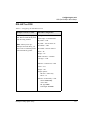
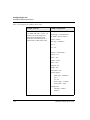
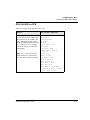
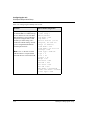
4 (Optional)To change the
DSLPipe default configuration,
connect a serial cable from the
DSLPipe to your computer. You
can use the adapter that is
provided.
You must provide your own
serial cable.
WAN
OLE
NS
CO
10
BT
R
PW
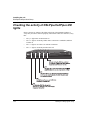
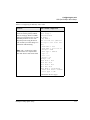
After connecting the cables, go to page 1-22 to check light activity.
DSLPipe/CellPipe Quick Setup
1-21