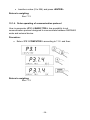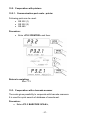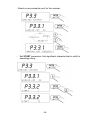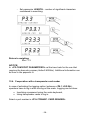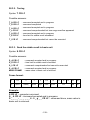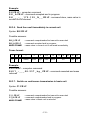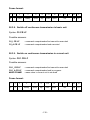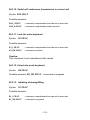
1
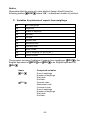
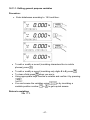
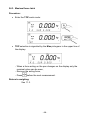
• To edit variables press
,
• Confirm changes by pressing
,
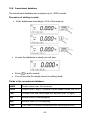
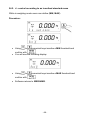
• To filter according to the selected variable press
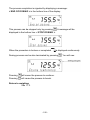
and you will see the following window:
,
• Press
to go to the next variable,
• After editing all variables go to the next item <PRINT REPORT>
by pressing
.
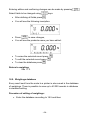
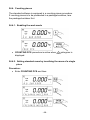
• Press
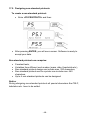
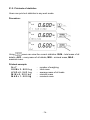
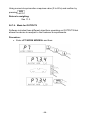
, you will see the window:
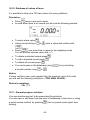
• Using
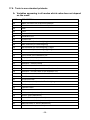
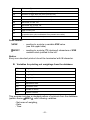
select one of four patterns (details in ch.17.6),
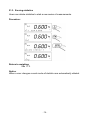
• Press
to print out the report.
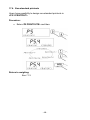
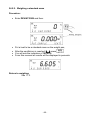
Return to weighing:
See 11.3.
Notice:
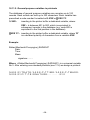
If a user disables filtering according all the variables, the program will print
out a report from all the weighings.
- 70 -