1
Table of Contents
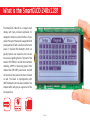
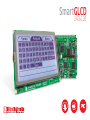
What is the SmartGLCD 240x128?
4
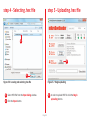
step 5 – Uploading .hex file 15
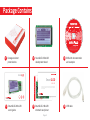
Package Contains
5
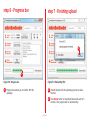
step 6 – Progress bar
16
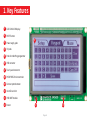
1. Key Features
6
step 7 - Finishing upload
16
7
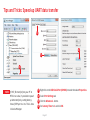
Tips and Tricks: Speed-up UART data transfer 17
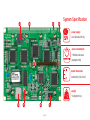
System Specification
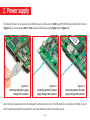
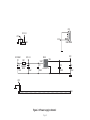
2. Power supply
8
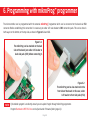
6. Programming with mikroProg™ programmer
18
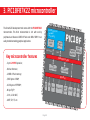
3. PIC18F87K22 microcontroller
10
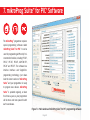
7. mikroProg Suite™ for PIC® Software
20
Key microcontroller features
10
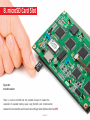
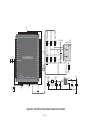
8. microSD Card Slot
22
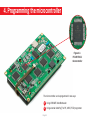
4. Programming the microcontroller
11
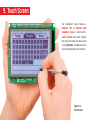
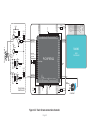
9. Touch Screen
24
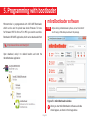
5. P
rogramming with bootloader
12
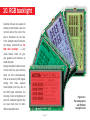
10. RGB backlight
26
mikroBootloader software
12
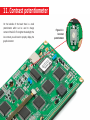
11. Contrast potentiometer
27
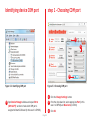
Identifying device COM port
13
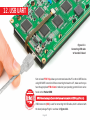
12. USB UART
28
step 1 – Choosing COM port 13
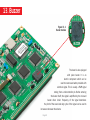
13. Buzzer
30
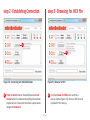
step 2 - Establishing Connection
14
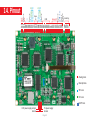
14. Pinout
32
step 3 - Browsing for .HEX file
14
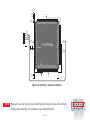
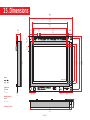
15. Dimensions
33
step 4 – Selecting .hex file
15
What’s next?
34
Page 3