1
Gigaset E310/E310A (Panther) / MEA EN / A31008-M2301-A601-1-UZ19 / T-NetBox-registration.fm /
Setting the base
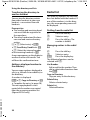
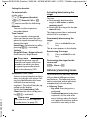
answering machine list or the
call list.
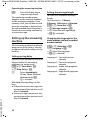
– Error tone (descending tone
sequence): When you make an
incorrect entry.
– Menu end tone: When scrolling at the end of a menu.
u Battery Low
The battery needs charging.
The menu end tone when scrolling
at the end of a menu cannot be
deactivated.
Activating/deactivating
advisory tones/battery low tone
§§Menu§ ¤ q Settings
¤ q Audio Settings ¤ §OK§
¤ q Advisory Tones/ Battery Low
¤ §OK§ (‰ = on)
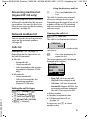
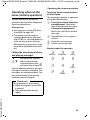
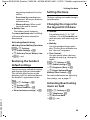
Restoring the handset
default settings
Version 5, 03.04.2011
You can reset any individual settings
and changes that you have made.
This will not affect entries in the
directory, calls list, date and time or
the handset's registration to the
base.
§Menu§ ¤ q Settings ¤ §OK§
¤ q System ¤ §OK§
¤ q Reset Handset ¤ §OK§
¤ Reset to factory settings? ¤ §OK§
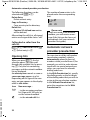
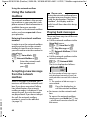
Setting the base
The base settings are made via registered handset.
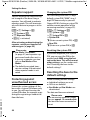
Changing the ringers for
the Gigaset E310A base
u Volume:
Five volume levels (1–5), "Off"
(volume = 0) and Crescendo (volume increases with each ring) can
be set.
u Melody:
List of pre-loaded ringer melodies. The first three melodies are
the "classical" ring tones.
u Time Control:
You can specify when the base
should not ring (e.g., during the
night).
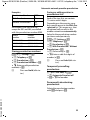
§Menu§ ¤ q Settings ¤ §OK§
¤ q Audio Settings ¤ §OK§
¤ q Ringtones (Base) ¤ §OK§
¤ q Ringer Volume/Ringer
Melody/Time Control ¤ §OK§
For more information on adjusting
the settings, see ¢ page 47.
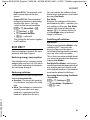
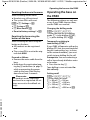
Activating/deactivating
music on hold
§Menu§ ¤ q Settings ¤ §OK§
¤ q Telephony ¤ §OK§
¤ q Music on hold
¤ §OK§ (‰ = on)
49