1
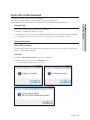
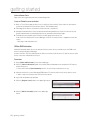
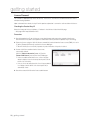
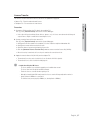
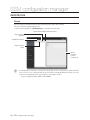
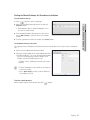
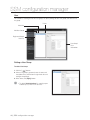
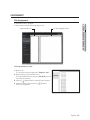
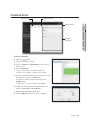
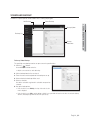
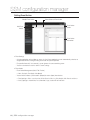
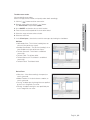
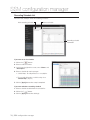
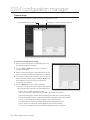
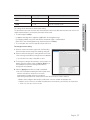
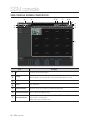
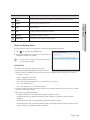
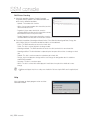
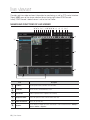
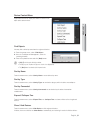
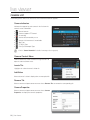
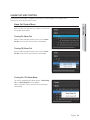
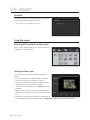
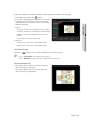
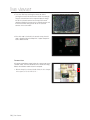
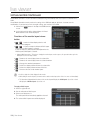
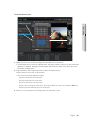
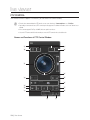
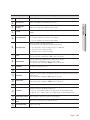
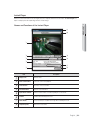
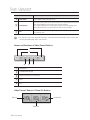
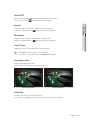
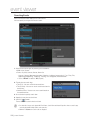
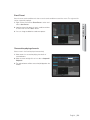
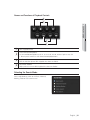
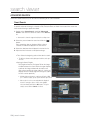
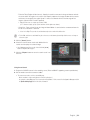
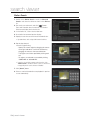
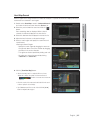
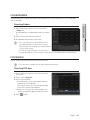
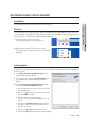
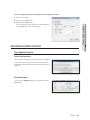
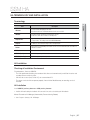
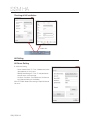
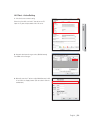
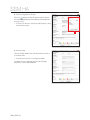
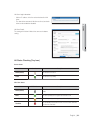
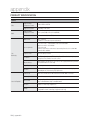
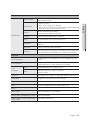
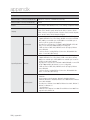
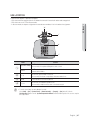
live viewer Item Description Video Control Controls digital zooming of the player screen. Linked Camera For a sensor event, the video of the camera connected to the camera video/sensor specified as the action (output) type in event action can be selected for viewing. For a camera related event, the camera image specified as the action (output) type in the camera video/event action of the generated event can be selected for viewing. Exit Closes and exits the Instant Player. If [Confirm] button is not clicked, exiting the player does not confirm the event. J Recorded video footage can be played with Event Viewer, Search Viewer and Instant Player. Note that one saved footage cannot be played with multiple viewers at the same time. Names and Functions of Video Control Buttons b c Step by frames b Forward/backward fast play c Play from event time (reset to event time) Pause Play Video Control / Zoom In / Zoom Out Buttons Zoom In Original Size Zoom Out 110_ live viewer