1
Participant Lists
20
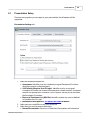
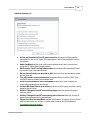
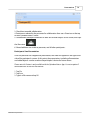
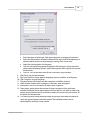
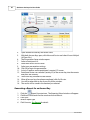
4. Add new fields or remove existing fields. If you do not want to change anything,
skip to the next step.
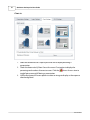
5. Make the necessary changes.
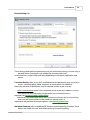
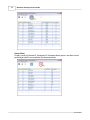
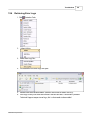
· Delete Students: Select the row by clicking in the cell to the far left, then go to
Options and select Delete.
· Renumber Remotes: Use the Options menu and select Autonumber Remotes.
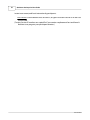
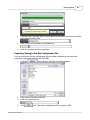
6. Click Finish when done. The Save As window will appear.
7. Enter the name of the class and click Save.
Qwizdom Actionpoint 2015