1
12 Controlling GigE Vision Devices
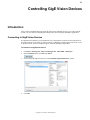
Locating Unreachable Devices
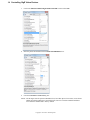
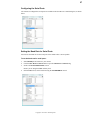
If your device does not appear in the Available GigE Vision Devices list, possibly because the device
IP configuration, and IP configuration of the GEVPlayer PC NIC are not on the same subnet, you can
locate the device by clicking “Show unreachable GigE Vision Devices”, as shown in the image below:
Configuring a Valid IP Address
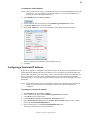
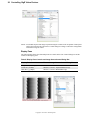
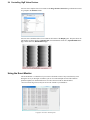
If the GigE Vision device does not have a valid IP address, an error message appears, as shown in the
image below:
Copyright © 2011 Pleora Technologies Inc.