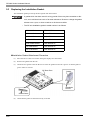
1
Chapter 3 Part Names and Functions
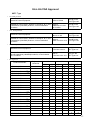
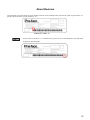
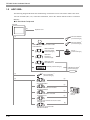
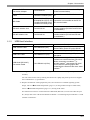
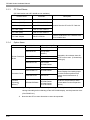
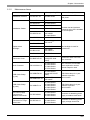
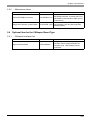
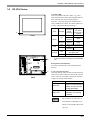
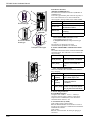
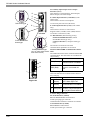
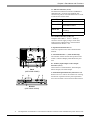
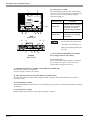
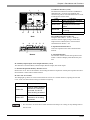
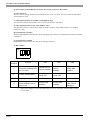
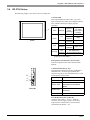
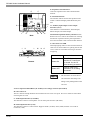
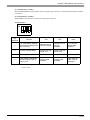
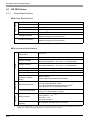
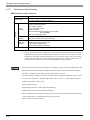
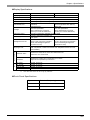
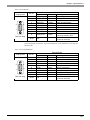
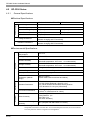
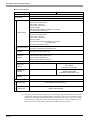
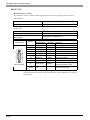
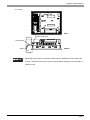
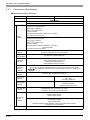
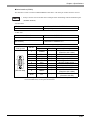
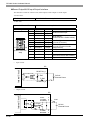
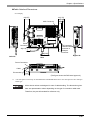
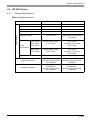
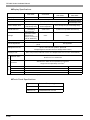
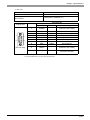
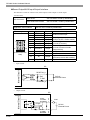
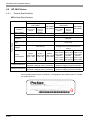
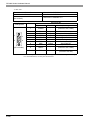
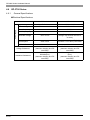
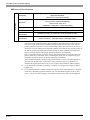
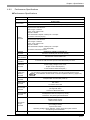
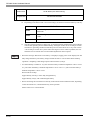
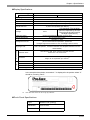
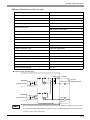
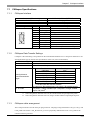
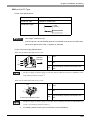
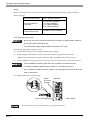
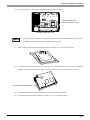
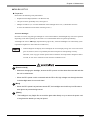
T: Dip Switches1
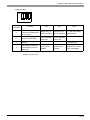
ON
1
2 3 4
Dip
Switches
Function
ON
OFF
Note
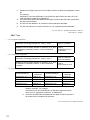
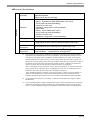
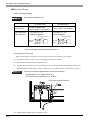
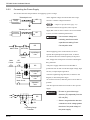
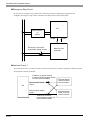
CF Card Startup Settings
Startup from CF Startup from CF CF Card with startup
(Controls unit startup from
Card is enabled. Card is disabled. data required.
the CF Card.)
1
2*1
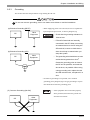
Forced Transfer Mode
3
Booking
4
This setting controls the
forced closing of the CF
Card cover.
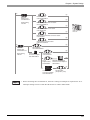
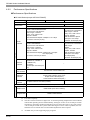
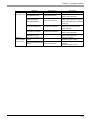
*1
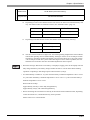
Forced Transfer
Mode: ON
Forced Transfer
Mode: OFF
-
-
Forced close
enabled.
Forced close
disabled.
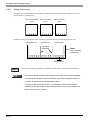
Constantly OFF
Used when CF Card
cover is damaged.
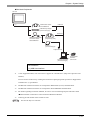
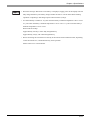
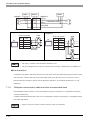
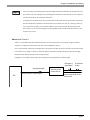
When power supply is turned ON at dip switch 2 is ON, it starts with Transfer Mode.
Usually, use it in OFF.
3-13