1
56
Create RAID
•
•
•
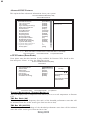
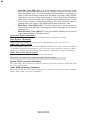
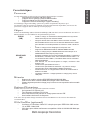
SIS965 controller support RAID 0, RAID 1, RAID 0+1 and JBOD.
SIS965L controller support RAID 0, RAID 1 and JBOD.
The selection of RAID 0+1 will appear when 4 single HDD existing
Creating a RAID 0 (Stripe) Array for Performance
•
SiS965 enables users to create striped arrays with 2, 3, or 4 drives.
•
SiS965L enables users to create striped arrays with 2 drives.
To create an array for best performance, follow these steps:
1
2
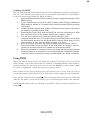
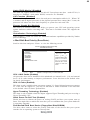
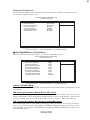
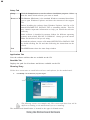
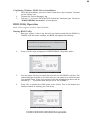
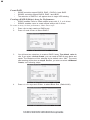
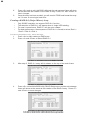
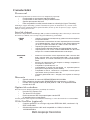
Press <A> to start creating a RAID array.
Press <2> and <Enter> to select RAID 0.
3
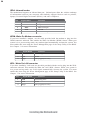
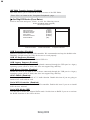
You will have two selections to create a RAID 0 array. The default value is
<1>. If you select <1>Auto Create, you can create a RAID 0 array faster and
easier. The Blocksize will be selected by its default value “64K”. The result
after creating will be show on step 8. Besides, you also can select <2>Manual
Create, see following steps.
4
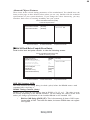
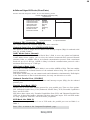
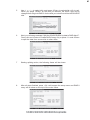
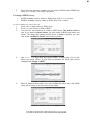
Press <1>-<5> keys and <Enter> to select Block Size. (Default:64K)
SiS965/SiS965L SATA RAID Setup Guide