1
Chapter 2 Waters Systems
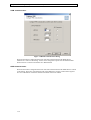
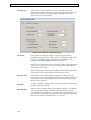
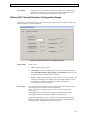
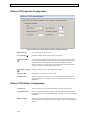
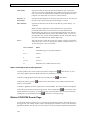
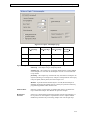
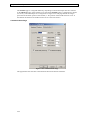
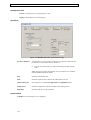
Ratio
Denominator
Wavelength
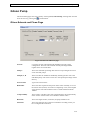
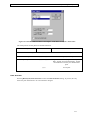
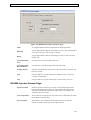
Enter the denominator wavelength (in nanometers) for the analog output
channel. Ratio Denominator Wavelength must be within the wavelength range
specified by the Start Wavelength and End Wavelength parameters on the 996
PDA page.
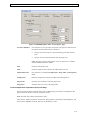
Bandwidth
Enter the spectral bandwidth of the analog output channel. The range is 1.2 to
24.0 nm.
Filter Type
Select Hamming or Single Pole from the dropdown list box. The Hamming
filter is designed to create the same degree of peak-height degradation as the
Single Pole filter for the same response time, but enhances filtering of
high-frequency noise.
Filter
Response
Enter the response time for the filter. The range is 0 to 5 seconds.
Offset
If required enter an offset to the analog output channel. The range is –0.2 to 2.0
AU.
Threshold
Enter a threshold above which the ratio (Wavelength / Ratio Denominator
Wavelength) must be to be valid data. The range is –0.1 to 2.0 AU.
Note: If no ratio is plotted one or both channels are below the current
Threshold and a lower Threshold value should be entered.
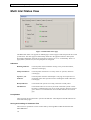
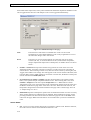
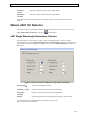
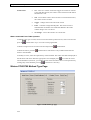
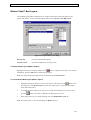
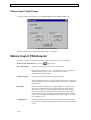
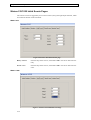
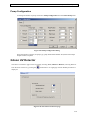
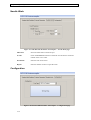
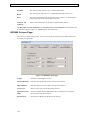
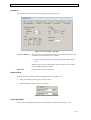
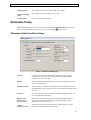
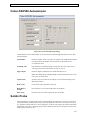
Waters 486 UV Detector
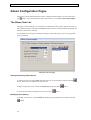
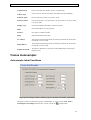
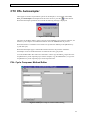
This page is used to set parameters specific to the UV detector, to access it select View,
Waters486 UV Detector or press the
toolbar button.
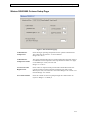
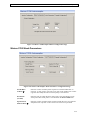
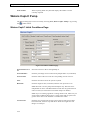
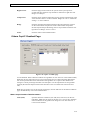
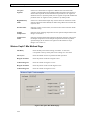
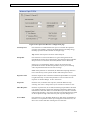
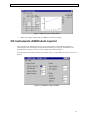
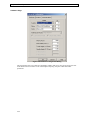
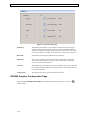
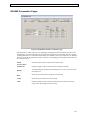
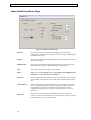
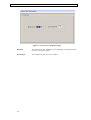
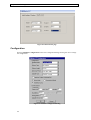
Figure 2.16 486 UV Detector Configuration page
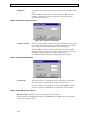
Wavelength (µ)
Enter the wavelength to monitor.
Polarity
Select the polarity of the output signal from the drop down list box.
2-22