1
Studio Lite
Creating a New Image
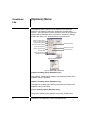
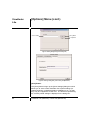
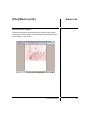
The [New] command lets you create a blank, untitled Studio Lite
image. You can use this command to create a new image with the
exact same pixel dimensions as an image or selection that has
been copied to the Clipboard.
To create a new image:
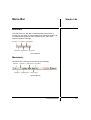
Method A
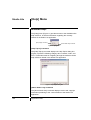
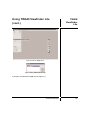
1) Click on the [File] menu.
2) Select the [New] command.
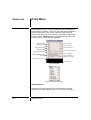
Method B
Windows: Use the following keyboard shortcut: Ctrl + N.
Windows Clipboard
A reserved section of
memory that is used as a
temporary holding area when
you copy and paste or cut
and paste from one
application to another. After
you copy or cut data from
your application, it is
viewable in the clipboard. If
you cut data from an
application and do not paste
it into another, and you do
not save the clipboard's
contents as a file, the data
will be lost upon exiting
Windows or when the next
copy or cut operation is
performed.
Macintosh: Use the following keyboard equivalent Cmd + N.
Method C
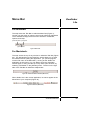
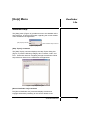
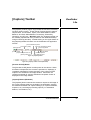
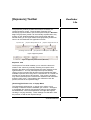
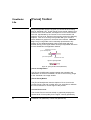
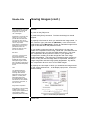
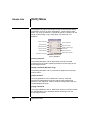
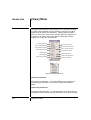
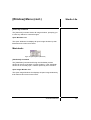
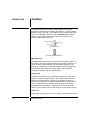
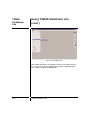
Click the [New] button located in the Studio Lite Toolbar.
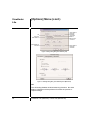
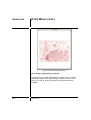
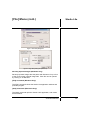
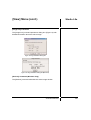
If no valid image data is stored in the Clipboard, the default
dimensions for the new image window is 320x240 pixels.
Instruction Manual
101