1
Chapter One
Introduction
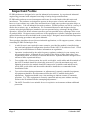
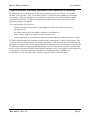
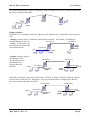
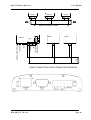
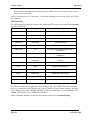
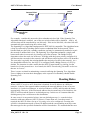
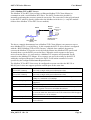
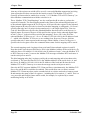
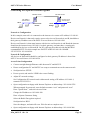
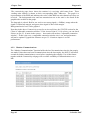
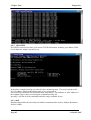
There is limit of two Routers within the same radio network. There is no limit to the number of
Bridges in the same network - although there is a limit of 255 Client units linked to any one
Access Point.
192.168.0.34
192.168.0.72
Client
Bridge
192.168.0.34
192.168.0.72
LAN A
Access Point
Bridge
192.168.0.73
192.168.0.74
169.254.102.17
LAN C
169.254.109.40
LAN B
Client
Router
1.2
Client
Router
Getting Started Quickly
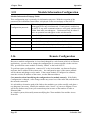
Most applications for the 805U-E require little configuration. The 805U-E has many
sophisticated features, however if you don’t require these features, this section will allow you to
configure the units quickly.
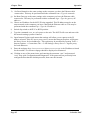
First, read Section 2, “Installation”. The 805U-E requires an antenna and a power supply.
Power the 805U-E and make an Ethernet connection to your PC (for further information on
how to do this, refer to section 3.3)
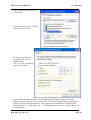
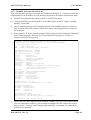
Set the 805U-E address settings as per section 3.4
Save the configuration - the 805U-E is now ready to use.
Before installing the 805U-E, bench test the system. It is a lot easier to locate problems when the
equipment is all together.
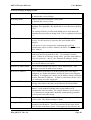
There are other configuration setting which may or may not improve the operation of the system.
For detail on these settings, refer to section 3.
Page 9
© October 2007