1
57
About Internal and External Graphics
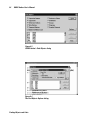
If you check the Link to file option in the Place dialog when you
place a graphic, GUIDE Author creates a ‘pointer’ to the graphic file,
but doesn’t actually include the graphic as part of the GUIDE document. Every time the document displays, the viewing application
(GUIDE Author or GUIDE Reader) retrieves the graphic file from disk
and displays it.
Graphics that are linked to but are not actually a part of GUIDE
documents are called external graphics. If you don’t check Link to
file, the graphic is copied into the GUIDE document as an internal
graphic and becomes a part of the GUIDE document file.
External graphics offer two notable advantages: You can modify
graphic files in their native applications and see those changes
reflected in GUIDE documents linked to that graphic file the next
time you open those documents. Linking graphics externally also
saves a considerable amount of disk space.
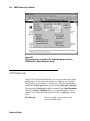
About the Default Graphic
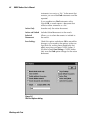
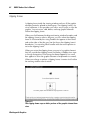
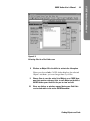
You can use a default graphic to indicate the space and location
occupied by graphics in GUIDE documents. The default graphic
is a gray box labeled with a file name when it represents external
graphics, or the word ‘Internal’ if the image it represents is part of
the GUIDE document. The default graphic redraws much more
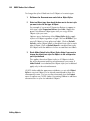
quickly than detailed images, so you can work faster. To use the
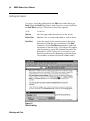
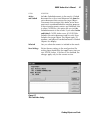
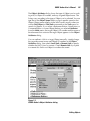
default graphic, choose Set Display from the Document menu and
uncheck Show Graphics in the Set Display dialog. When you are
finished editing or want to see the actual graphics again, simply open
the Set Display dialog again and recheck Show Graphics.
Working with Graphics
GUIDE Author User’s Manual
GUIDE Author User’s Manual