1
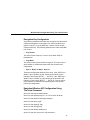
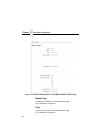
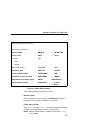
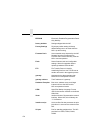
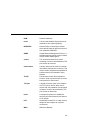
Banner Page
Tells the Ethernet Interface to produce a banner page with each
print job. The type of banner page data can be text. You can also
specify whether the banner page should come at the front or the
end of a print job.
NOTE: PPI emulations will not print a banner page unless “Auto
Pass Thru” is selected under the PPI menu.
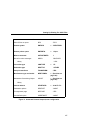
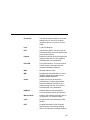
Filter
Specify whether the Ethernet Interface is to add carriage returns to
print jobs passing through that contain solitary linefeeds. This is
common with Unix text jobs resulting in stair-stepped output.
Header String
Define an escape sequence to be sent to the printer before each
print job. For example, you may want to send a sequence to print
the job in landscape mode or to a certain tray on the printer. You
can specify up to four separate sequences per header string. The
Ethernet Interface will execute them in order from top to bottom. If
specifying fewer than four sequences, be sure to start at the top
leaving undefined fields at the bottom.
NOTE: You can specify up to four separate sequences per header
string. The Integrated PrintNet Enterprise will execute them
in order from top to bottom. If specifying fewer than four
sequences, be sure to start at the top leaving undefined
fields at the bottom.
55