1
MAP 600 – User’s Manual
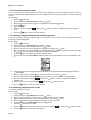
11.7 Removing all the waypoints from a route and creating a new route
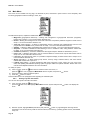
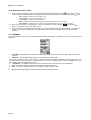
To remove all the waypoints from a route:
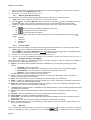
1. Follow the step 1 and 2 in paragraph 11.5.
2. Select the routes from which you wish to remove all the waypoints, then press the
button.
3. Move the Joystick up or down to enter the waypoint list.
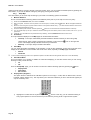
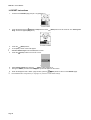
4. Press the button, select Delete All and then press the
button.
5. Press the
button again to confirm.
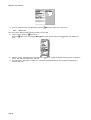
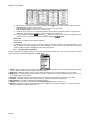
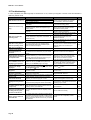
6. Press the button and, using the Joystick, select Add, then press the
button. The display will show the
page about creating a new route, that can be created as described from step 9 onwards of par.11.1.
Page 36