1
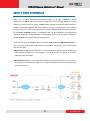
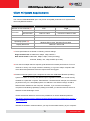
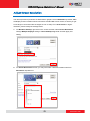
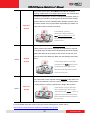
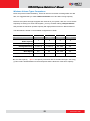
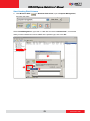
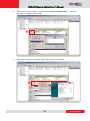
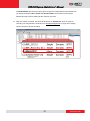
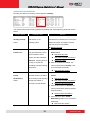
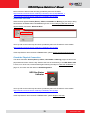
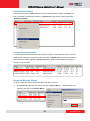
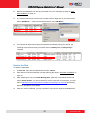
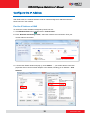
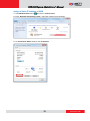
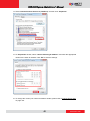
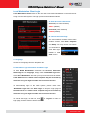
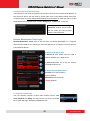
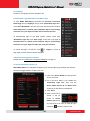
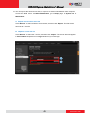
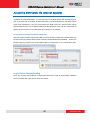
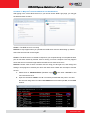
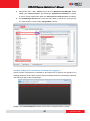
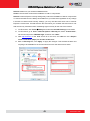
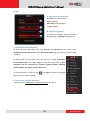
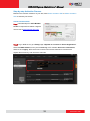
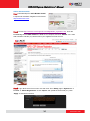
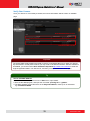
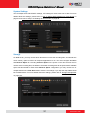
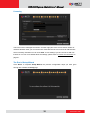
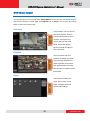
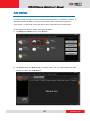
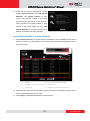
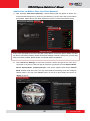
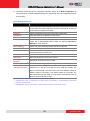
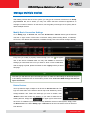
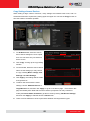
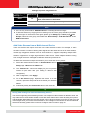
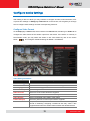
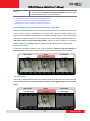
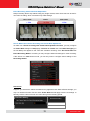
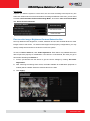
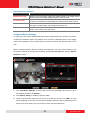
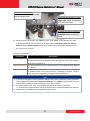
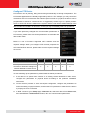
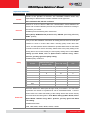
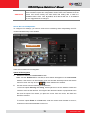
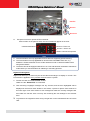
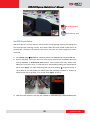
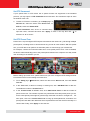
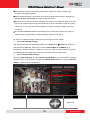
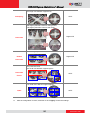
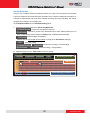
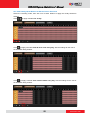
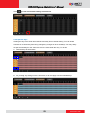
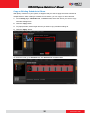
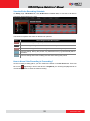
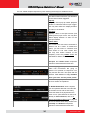
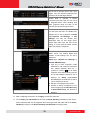
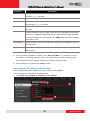
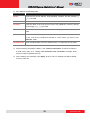
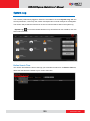
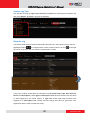
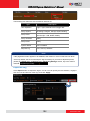
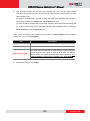
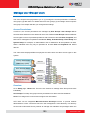
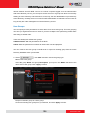
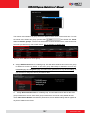
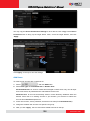
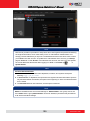
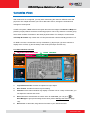
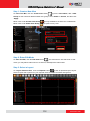
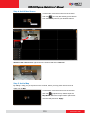
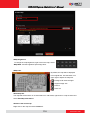
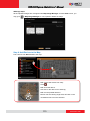
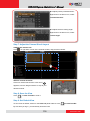
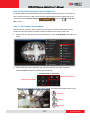
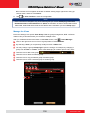
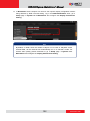
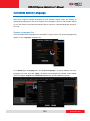
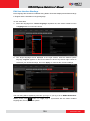
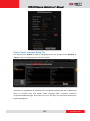
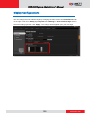
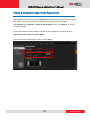
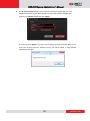
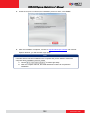
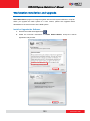
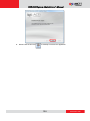
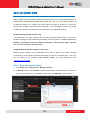
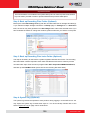
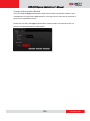
GNR-3000 System Administrator’s Manual Configure Device Settings After adding a device to NVR, you may continue to configure its video, motion detection, PTZ or preset tour settings on Setup pageDevices tab. In this section, we will guide you through how to configure these settings and their corresponding functions. Configure Video Format Go to Setup page Device tab, select a device from Device List, and then go to Video tab to configure the video format of the stream output from this device. If the device is currently in Dual Stream mode, you may switch the stream in live view window by click on the switch below and configure individual settings for Media 1 and Media 2. Video Settings Attributes Field Name Description TV Standard Stream Mode* Default is NTSC 1 Mounting Type* Select one of the streaming modes this device supports 2 Installation Angle* Select the mounting position 3 Input the angle for a device mounted on the wall Video encoder Select one of the codec this device supports Resolution Select one of the resolutions this device supports Video Quality* 4 Select your desired video quality of the image Frame Rate(fps) Select the (Frames Per Second) this device supports. Maximum Bitrate This puts a hard cap on the maximum bit rate allowed in any given second of streaming. Assigning a limited bit rate may cause a few dropped frames when the stream data overflows the allowed bit rate. 70 www.acti.com