1
The Personal Folder
These folders are used to store messages in a folder structure that you establish. Multiple
personal folders may be created and as a result, you may organize your messages as you
choose.
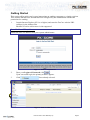
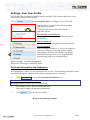
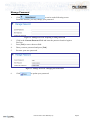
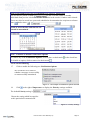
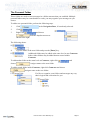
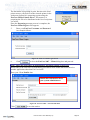
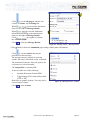
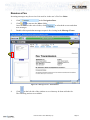
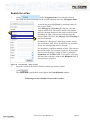
To add a new personal folder, perform the following steps.
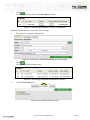
1.
Click
in the Navigation Pane, if not already selected.
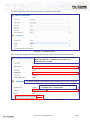
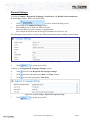
2.
Click
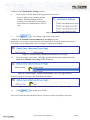
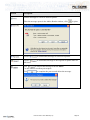
3.
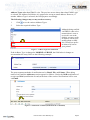
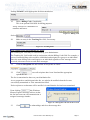
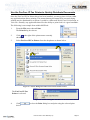
Right-click
.
and choose
from the dropdown menu as
shown to the right.
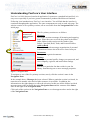
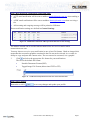
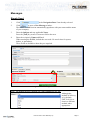
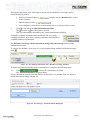
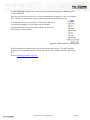
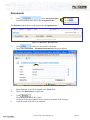
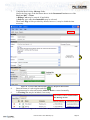
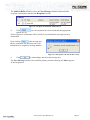
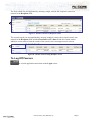
The following shows.
4.
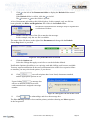
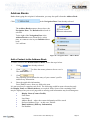
Type the name of the new folder and press the [Enter] key.
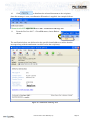
Additional folders may be added at the same level as our Contracts
folder. Other folders may be added that are nested within
Contracts.
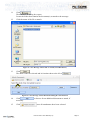
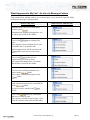
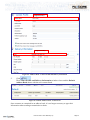
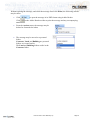
To add another folder at the same level as Contracts, right-click
choose
and
. Assign a name to the new folder.
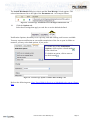
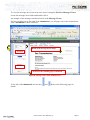
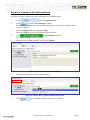
To add a nested folder inside Contracts, right-click Contracts and choose
. Assign a name to the new folder.
Feel free to organize your folders and messages any way
that is logical and convenient for you.
FaxCore 2007™ User Manual (v1.0)
Page 21