1
 …from quotation to business relation
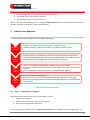
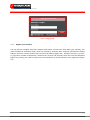
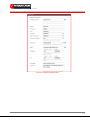
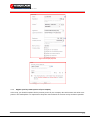
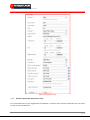
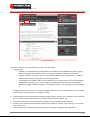
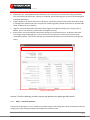
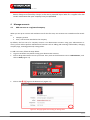
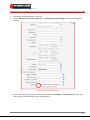
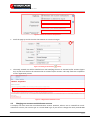
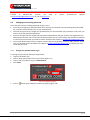
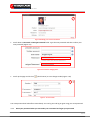
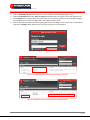
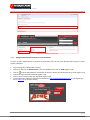
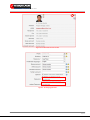
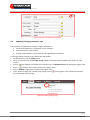
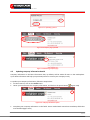
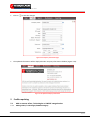
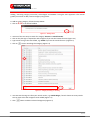
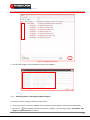
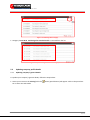
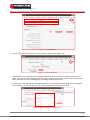
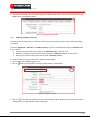
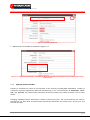
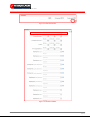
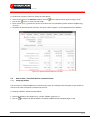
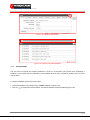
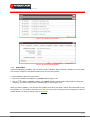
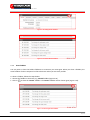
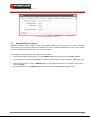
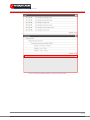
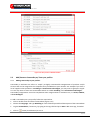
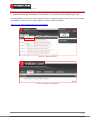
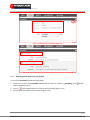
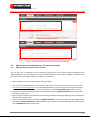
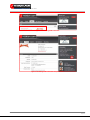
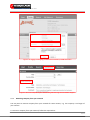
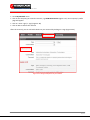
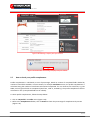
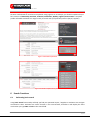
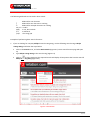
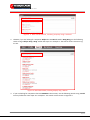
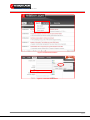
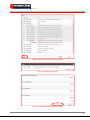
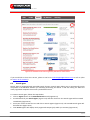
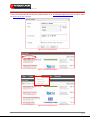
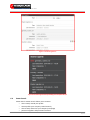
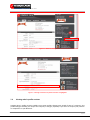
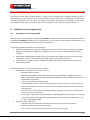
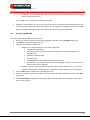
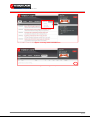
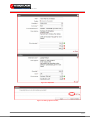
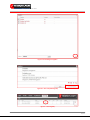
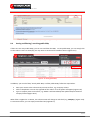
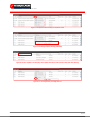
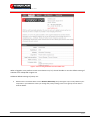
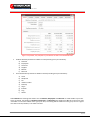
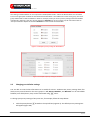
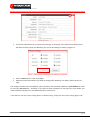
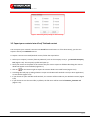
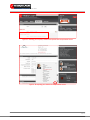
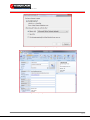
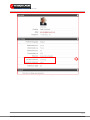
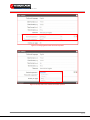
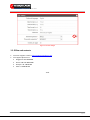
Figure 4.14: Password reset notification e‐mail Figure 4. 15: Changing password page 4.3.3 Using an administrator account to reset password If a user of yours forgets his/her username and password, you can use your administrator account to reset his/her password. • Log on using your administrator account • Click on arrow next to administrator in the user fieldbox, then click on Staff (Figure 4.16) • Click on to enter edit mode on the userbox of the user whose password needs to be reset (Figure 4.17) • Type and retype the new password (Figure 4.18) • Click on save to confirm the new password (Figure 4.19) • Contact 2relation support to retrieve the username at [email protected] or call support (re‐
fer to section 11 for contact details). Figure 4. 16: Manage Staff page 21 / 21