1
 …from quotation to business relation
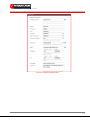
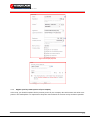
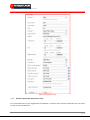
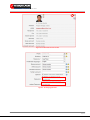
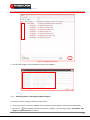
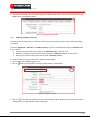
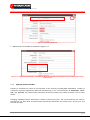
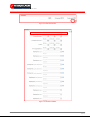
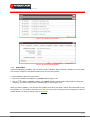
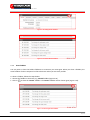
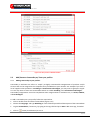
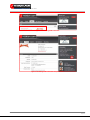
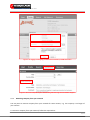
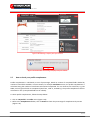
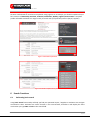
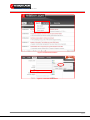
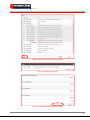
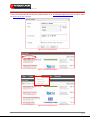
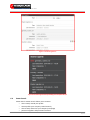
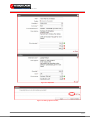
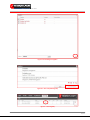
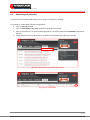
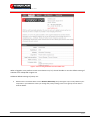
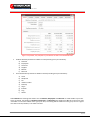
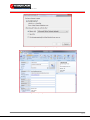
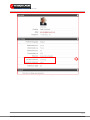
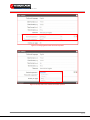
The setting in Detail fieldbox can not supersede a fieldset/field inside it. When the Details Boxes are set hidden from a users group but a fieldset or field inside the Details Boxes is set visible to the same users group, this users group will be able to view the fieldset or field. For example, when you set the privacy settings of Details fieldbox as depicted in Figure 9.4, but your privacy settings of Statistics are set as in Figure 9.5, All users will be able to view your Statistics despite the fact that Statistics is located inside the Details Box. Figure 9. 4: Example of privacy settings for Details Boxes Figure 9. 5: Example of privacy settings for Statistics 9.3
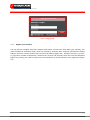
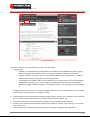
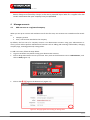
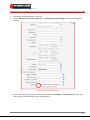
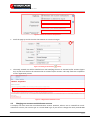
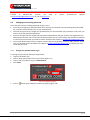
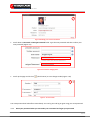
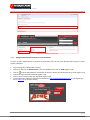
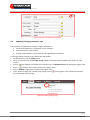
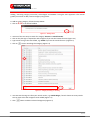
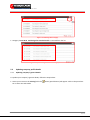
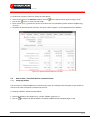
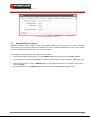
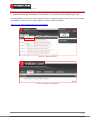
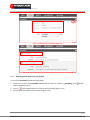
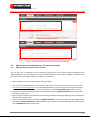
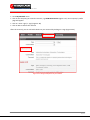
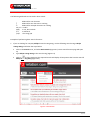
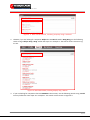
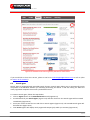
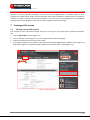
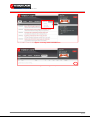
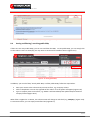
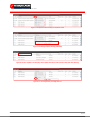
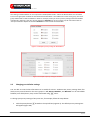
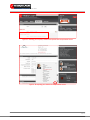
Changing your defaults settings You are able to control what information to be visible for others. 2relation.com privacy settings have four levels privacy control based on the users groups i.e. All, Guests, Members, and Network. For all controllable fieldsets/ user‐fields/ boxes, they can be customized using button. To change your privacy settings of Key Facts box, for example, follow the steps below: •
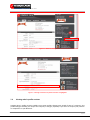
Click the privacy button
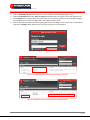
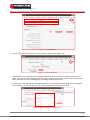
will appear (Figure 9.8). located on the top left box (Figure 9.6). The default privacy settings box 69 / 69