1
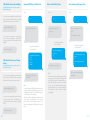
Disarm Password
Send:
Single Zone Delay Time
Send:
13
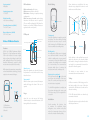
Change system language
Send “0033” to set the language system as
French
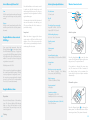
Delete RFID Tags by SMS
Send:
14
22
0033
Disarm password (4-6 digits):
1234
Single zone delay time
(0-300 sec.):
30
Delete RFID tags successfully
Réglage de la langue “français”
réussi.
Copy, Paste, then Edit
(case sensitive):
Disarm password (4-6 digits):
8888
Copy, Paste, then Edit
(case sensitive):
Send “0001” to set the language system as
English
Single zone delay time
(0-300 sec.) :
15
0001
Set disarm password
successfully.
Set English successfully.
Set single zone delay time
successfully.
Delete Wireless Accessories by SMS
Note
This function will only affect the detectors
assigned to the “Single Delay Zone” (Zone B).
To learn how to assign a detector to a Single
Delay Zone, please refer to the paragraph
“Zone Setup of Wireless Accessories” of this
User Manual (page 16).
Send:
Press the Tamper Switch at the back of the
control panel 3 times in 3 seconds, both wireless
accessories and RFID tags will be deleted. Two
beeps indicate that the accessories and RFID
tags have been deleted.
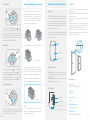
Restore System to Default Settings
by SMS
Send:
0000
System has been restored
to factory settings.
21
Delete wireless accessories
successfully.
Press the Tamper Switch at the back of the
control panel 5 times in 3 seconds, the system
will be restored to factory settings. Two beeps
indicate that the system has been restored to
factory settings.
Only stored numbers can send SMS to restore
the system.
12
13