1
Display modes
Your radio has a range of display options when in Internet Radio mode. Note that not all
information may be available for all Internet radio stations.
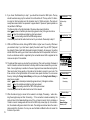
1. Press the Info button to cycle through the different options.
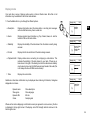
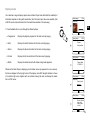
a. Description
Displays information about the radio station or scrolling text messages
such as artist/track name, phone number etc.
b. Genre
Displays program type information e.g. Pop, Classic, News, etc. and the
location of the current radio station.
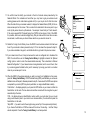
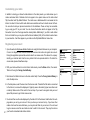
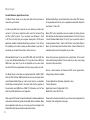
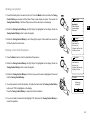
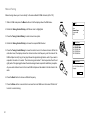
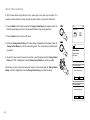
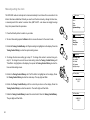
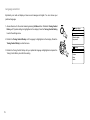
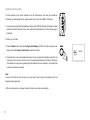
c. Reliability
Displays the reliability of the data stream from the station currently being
received.
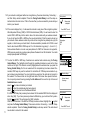
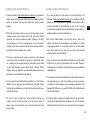
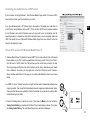
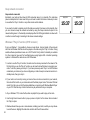
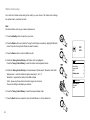
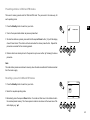
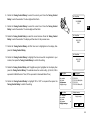
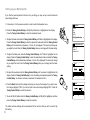
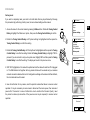
d. Format
Displays the bit rate and format of the station being received.
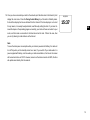
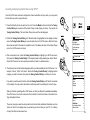
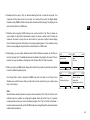
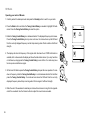
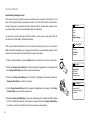
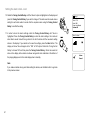
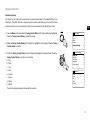
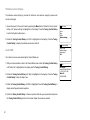
e. Playback buffer
Displays status when connecting to and playing a radio station. This
indicates the reliability of the data stream to your radio. If there are no
bars shown to the right of the dividing line then the data stream reliability
may be poor and you may find that there are many breaks in the audio (this
is not always the case for REAL audio streams).
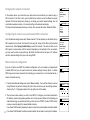
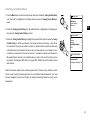
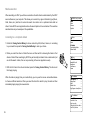
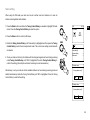
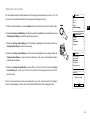
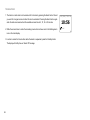
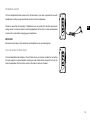
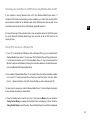
f . Date
Internet radio
16:01
Final Fantasy Radio
GB
Reliability:
Excellent
1
Internet radio
16:01
Final Fantasy Radio
Bit rate: 40 kbps
Codec: MP3
Sampling Rate:
22.0 kHz
Internet radio
16:01
Final Fantasy Radio
Playback buffer
Displays the current date.
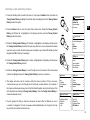
Additional or alternative information may be displayed when listening to Podcasts, Categories
displayable can include…
Episode name
Show genre
Episode URL
Codec
Internet radio
16:01
Final Fantasy Radio
Today’s Date:
28/03/2014
Show description
Show language
Bit rate
Sampling rate
Whenever the radio is displaying an information screen (as opposed to a menu screen), the time
is displayed in the top-right corner of the display, and a WiFi strength indicator is shown in the
bottom-right corner.
26