1
Prune stations
If you move to a different part of the country, some of the stations which were listed may no
longer be available. Also, from time to time, some DAB services may stop broadcasting, or may
change location or frequency. Stations which cannot be found, or which have not been received
for a very long time are shown in the station list with a question mark. The Prune stations function
will delete the marked DAB stations from your station list.
GB
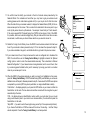
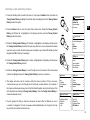
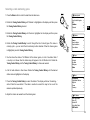
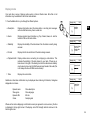
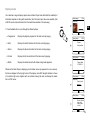
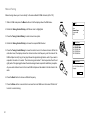
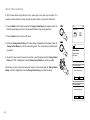
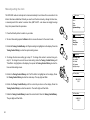
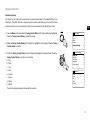
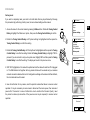
1. Press the Standby button to switch on your radio.
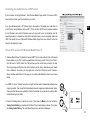
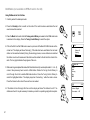
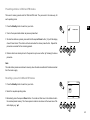
2. Press the Mode button and rotate the Tuning Control Rotary as needed to highlight DAB radio
mode. Press the Tuning Control Rotary to select the option.
1
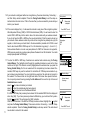
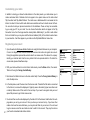
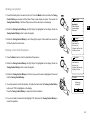
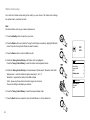
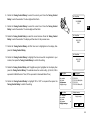
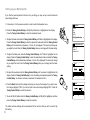
3. Press the Menu button to enter the DAB menu.
DAB
radio
DAB Radio
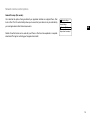
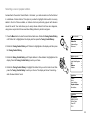
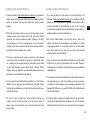
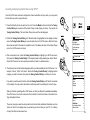
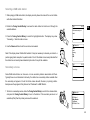
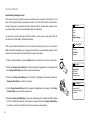
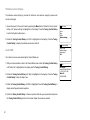
4. Press the Tuning Control Rotary until 'Prune invalid' is highlighted.
Press the Tuning Control Rotary.
2
DAB
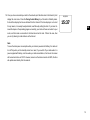
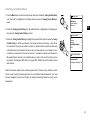
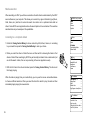
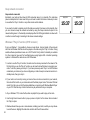
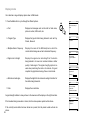
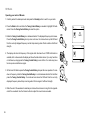
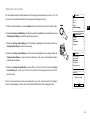
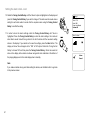
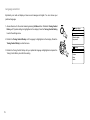
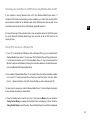
5. To cause the stations list to be pruned, eliminating unavailable stations rotate the Tuning
Control Rotary until 'YES' is highlighted on the display.
3
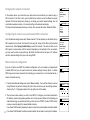
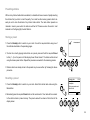
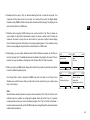
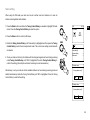
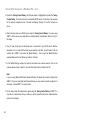
6. Press the Tuning Control Rotary to cause the invalid station names to be removed from the
station list. If you do not wish to prune stations, highlight 'NO' and then press the Tuning Control
Rotary. The display will revert to the previous menu.
Note:
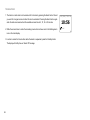
If you have moved your radio to a different part of the country you should also carry out a search
Scan
Manual tune
Prune invalid
DRC
Station order
>
>
>
Prune invalid
4-6
This removes all invalid
Stations continue?
*
for new stations (please see the section 'Finding new stations').
54