1
Input Options
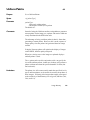
Some input file formats have optional parameters which affect
how the input file is read. These parameters can specify such
things as the page to read (for multi-page formats, such as PCL),
which bands to read (for multi-band formats, such as Core IDC),
or which resolution to read (for multi-resolution formats, such as
PhotoCD).
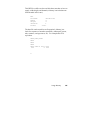
The option used to specify input options is -Z. This is followed
by one or more parameters which vary depending on the format
being read. The comments section for each format describes any
input options which apply to that format.
MacBinary
When reading images, Alchemy automatically recognizes and
reads MacBinary II files (MacBinary files are generated when
you accidentally leave MacBinary mode on when transferring a
file from a Macintosh).
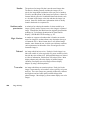
Other
information
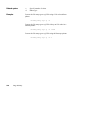
Alchemy will preserve as much information in each file as
practical; this always includes the height and width of the image
and the number of colors in the image. Some file types include
other data, such as the name of the image, the aspect ratio of the
image, the date the image was created, etc. Since most of these
items are only supported by a few file formats, Alchemy discards
everything but the height, width, number of colors, gamma,
aspect ratio, resolution values, and, optionally, alpha channel
information.
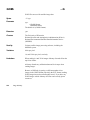
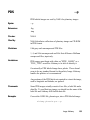
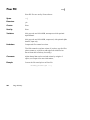
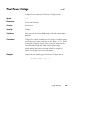
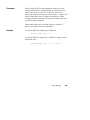
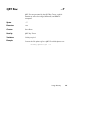
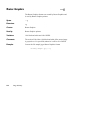
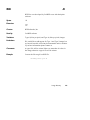
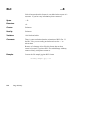
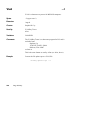
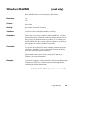
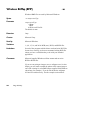
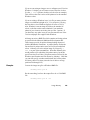
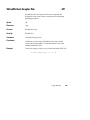
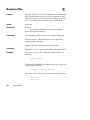
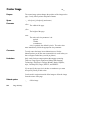
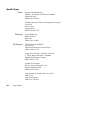
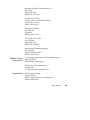
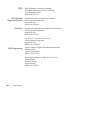
File Formats
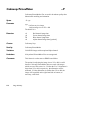
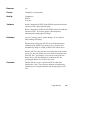
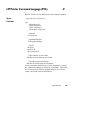
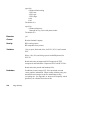
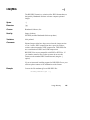
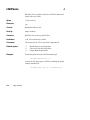
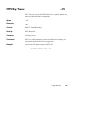
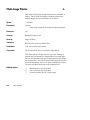
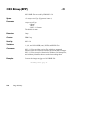
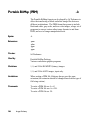
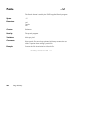
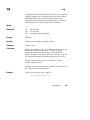
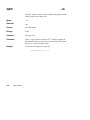
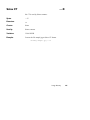
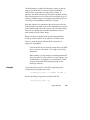
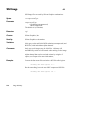
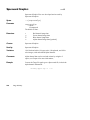
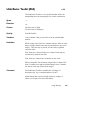
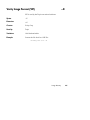
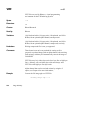
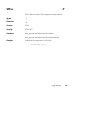
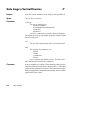
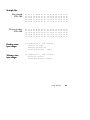
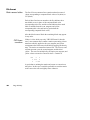
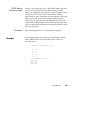
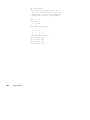
The individual file formats supported by Alchemy are described
in alphabetical order on the following pages. The descriptions
follow the template given overleaf.
Image Alchemy
93