1
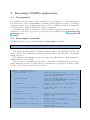
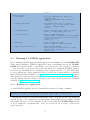
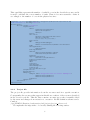
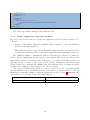
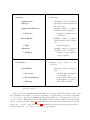
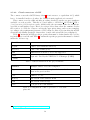
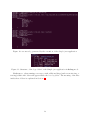
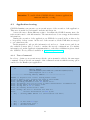
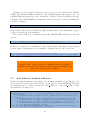
Figure 1: Execution of a Java COMPSs application.
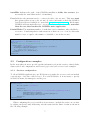
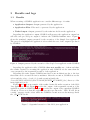
compss@bsc :~ $ export CLASSPATH = $CLASSPATH :
/ home / compss / works pace_jav a / simple / jar / simple . jar
compss@bsc :~ $ runcompss simple . Simple < initial_number >
compss@bsc :~ $ runcompss -- classpath =/ home / compss / workspa ce_java / simple / jar / simple . jar
simple . Simple < initial_number >
2.3.2
Running Python applications
To launch a COMPSs Python application users have to provide the –lang=python option
to the runcompss command.
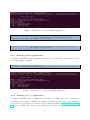
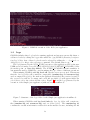
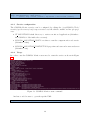
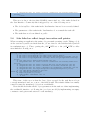
compss@bsc :~ $ cd w o r k sp a c e _ p y t h o n / simple /
compss@bsc :~/ w o r k s p a c e _ p y t h o n / simple$ runcompss -- lang = python simple . py < initial_number >
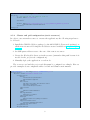
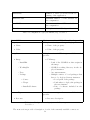
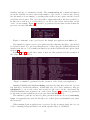
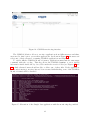
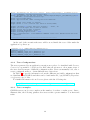
Figure 2: Execution of a Python COMPSs application.
2.3.3
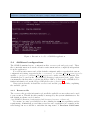
Running C/C++ applications
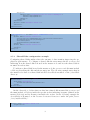
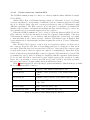
To launch a COMPSs C/C++ application users have to compile the C/C++ application
by means of the buildapp command. For further information please refer to the COMPSs
User Manual: Application development guide document available at http://compss.bsc.
es . Once complied, the –lang=c option must be provided to the runcompss command.
4