1
Trend Micro™ OfficeScan™ 10.6 Administrator’s Guide
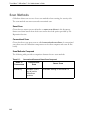
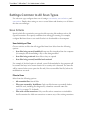
Scan Methods
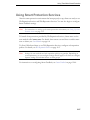
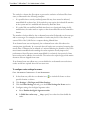
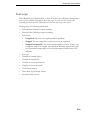
OfficeScan clients can use one of two scan methods when scanning for security risks.
The scan methods are smart scan and conventional scan.
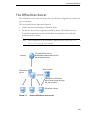
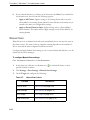
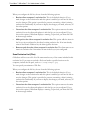
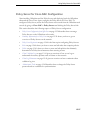
Smart Scan
Clients that use smart scan are referred to as smart scan clients in this document.
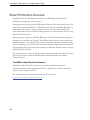
Smart scan clients benefit from local scans and in-the-cloud queries provided by File
Reputation Services.
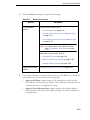
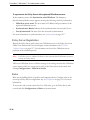
Conventional Scan
Clients that do not use smart scan are called conventional scan clients. A conventional
scan client stores all OfficeScan components on the client computer and scans all files
locally.
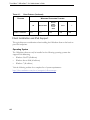
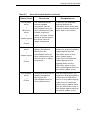
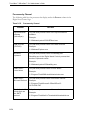
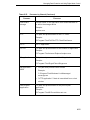
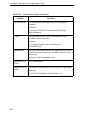
Scan Methods Compared
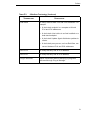
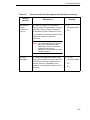
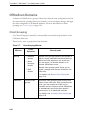
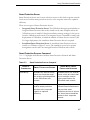
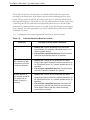
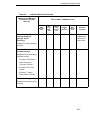
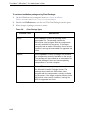
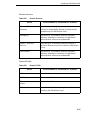
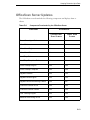
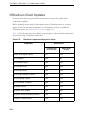
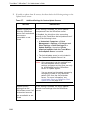
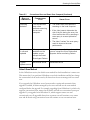
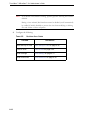
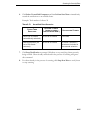
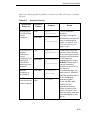
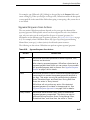
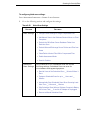
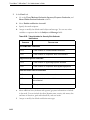
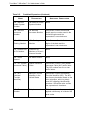
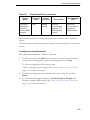
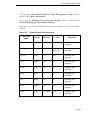
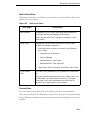
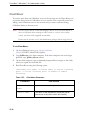
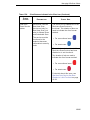
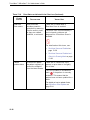
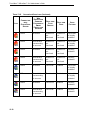
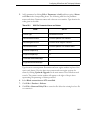
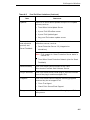
The following table provides a comparison between the two scan methods:
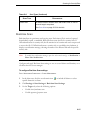
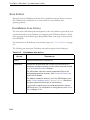
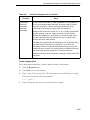
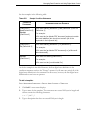
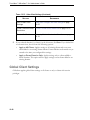
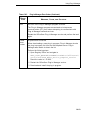
TABLE 6-1.
Conventional Scan and Smart Scan Compared
B ASIS OF
C OMPARISON
Availability
6-8
C ONVENTIONAL
S CAN
Available in this
and all earlier
OfficeScan
versions
S MART S CAN
Available starting in OfficeScan 10