1
INTRODUCTION
Satellite Radio User’s Guide
If your R5000 includes the optional Satellite Radio system, please refer to the User’s Manual
included with your vehicle for information regarding the operation of this service.
Controls, Applications and Functions
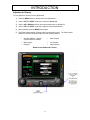
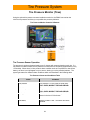
The front panel controls let you select the R5000’s Applications and Functions. Refer to the
following figure to understand how to use the front panels and controls.
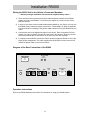
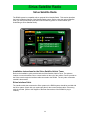
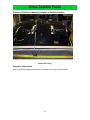
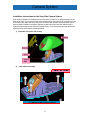
R5000 Front Panel Buttons & Controls
Turning the R5000 On and Off
To turn the system on or off, press and hold the rotary dial for about two seconds after the ignition
is turned on in your vehicle. When the system turns on, a standard display screen will appear.
The R5000 will then automatically transition to the most recent Application and Function.
Standby Operation
The R5000 will be placed in a standby state for approximately 15 minutes when the vehicle’s
ignition key is turned off. When ignition is restored, the system will immediately return to the last
Application and Function. After 15 minutes the R5000 will be turned off.
5