1
Various settings
11
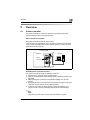
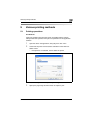
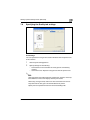
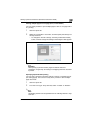
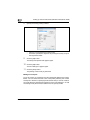
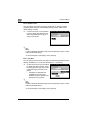
User mode
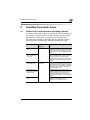
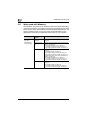
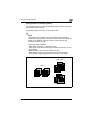
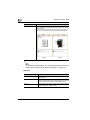
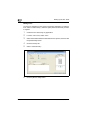
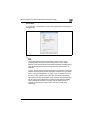
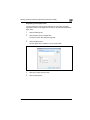
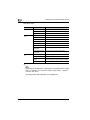
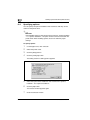
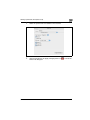
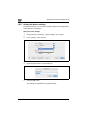
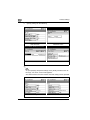
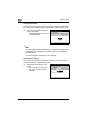
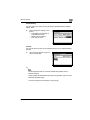
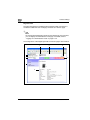
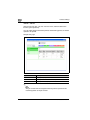
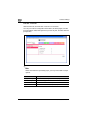
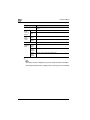
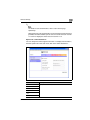
The User mode provides functions for checking and operating the machine
on a user level. You can select from five tabs (System, Job, User Box, Print,
or Scan).
2
Note
The User Box tab can only be displayed when an optional hard disk is
installed.
The Scan tab is the Fax/Scan tab when the optional fax kit is installed.
This manual describes the printer related functions. For the box and
scanner functions of this machine, refer to User manual [Box Operations]
and User manual [Network Scanner Operations].
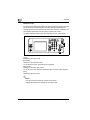
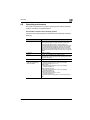
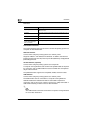
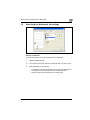
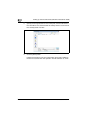
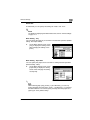
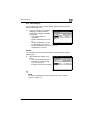
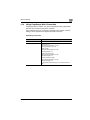
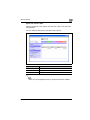
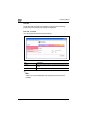
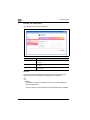
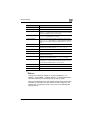
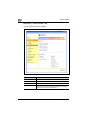
System tab
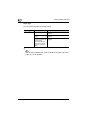
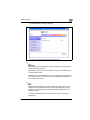
On the System tab, information and settings concerning the system
configuration of this machine are displayed.
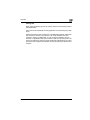
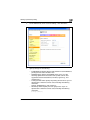
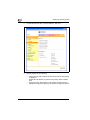
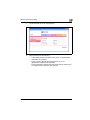
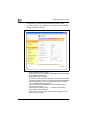
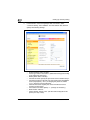
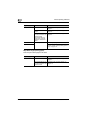
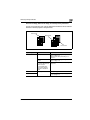
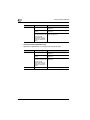
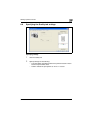
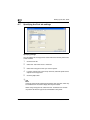
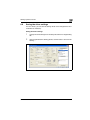
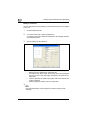
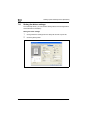
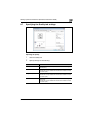
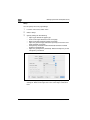
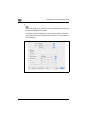
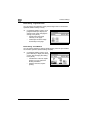
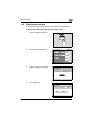
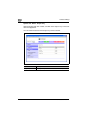
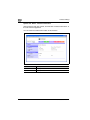
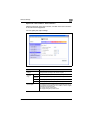
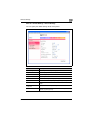
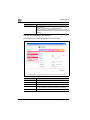
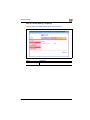
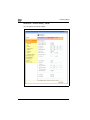
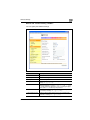
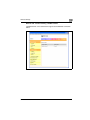
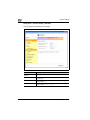
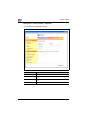
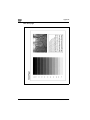
System tab - Summary
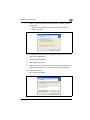
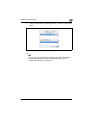
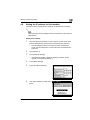
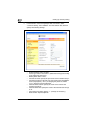
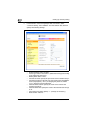
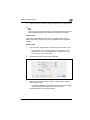
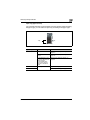
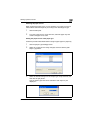
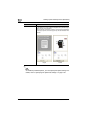
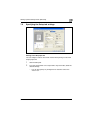
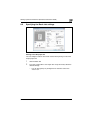
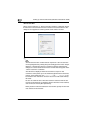
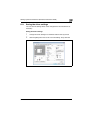
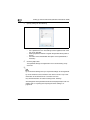
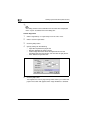
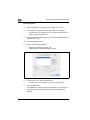
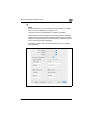
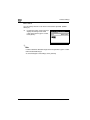
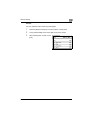
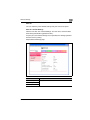
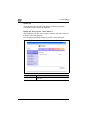
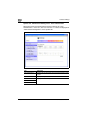
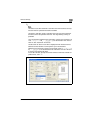
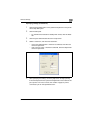
On the System tab, click "Summary". In addition, this is the initial page that
appears when you access http://<IP_address_for_this_machine>/ with your
Web browser.
bizhub 362/282/222
11-37