1
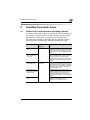
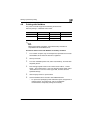
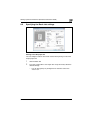
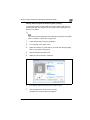
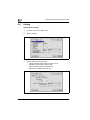
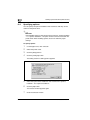
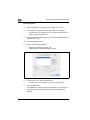
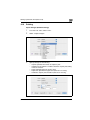
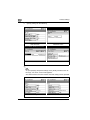
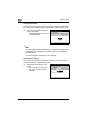
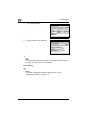
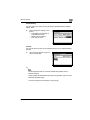
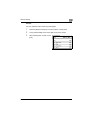
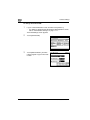
Installing the printer driver
3
2
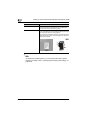
Note
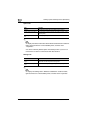
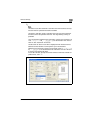
For details on installing the printer driver in a network environment, refer
to "Setting up network printing" on page 4-3. Because it is necessary to
specify other network settings in advance when installing the printer
driver using a network connection, install it using a local connection at
this time.
To install the printer driver under Windows XP, Windows Vista, Windows
Server 2008, Windows Server 2003, Windows 2000, or Windows NT 4.0,
log on using a user name that is authorized by the administrator.
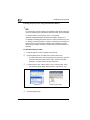
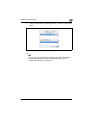
The printer driver can be installed using the Add Printer Wizard, however,
if used, the Plug and Play screen will appear each time the computer is
started.
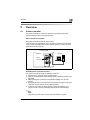
To connect this machine to a computer using a parallel connection, the
optional local interface kit is required.
bizhub 362/282/222
3-5