1
DUKANE AV PRODUCTS DIVISION
Page - 1 - of 24
CHAPTER ONE- Getting Started: A Guide to Your Toolbars
1.1 Getting Started
Installation
Launching your Software
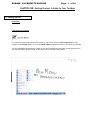
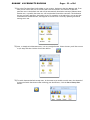
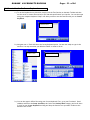
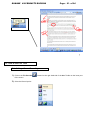
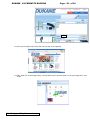
Go to the Start menu on the bottom left corner of your screen. Select the All Programs option and
navigate to the Dukane folder. Scroll to the Dukane Notes program and select it to launch the software.
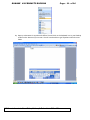
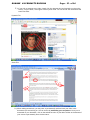
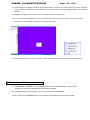
You will immediately be greeted by a blank screen that corresponds to the touch screen/active area on
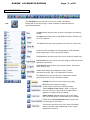
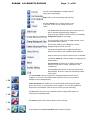
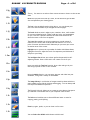
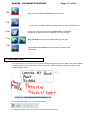
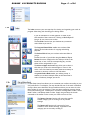
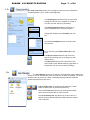
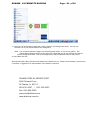
your wireless tablet. On the bottom of the page, you will find your main toolbar.