1
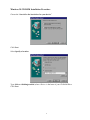
Windows 98 and Windows Millennium Installation
•
Windows Millennium Installation follows the same procedure as Windows 98 Installation.
•
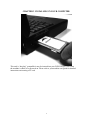
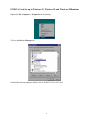
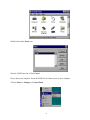
Insert the card into an available type 2 socket. This can be done even if the machine is powered
ON.
•
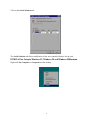
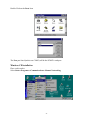
If installing from a “power off” condition Windows 98 should then load normally. During the
booting process, Windows 98 will detect the card and briefly display a message box indicating
the detection process.
•
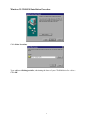
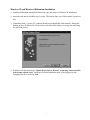
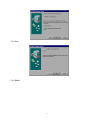
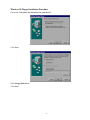
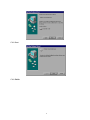
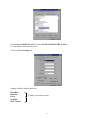
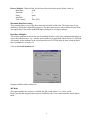
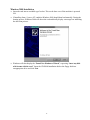
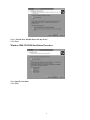
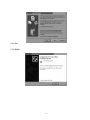
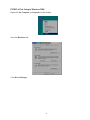
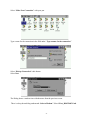
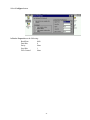
Windows will then display the “Update Device Driver Wizard,” requesting “insert any disk
which came with the card.” Insert the CD-ROM installation disk or the floppy disk into
an appropriate drive and click Next.
7