1
3
4
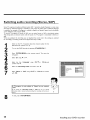
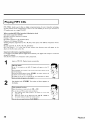
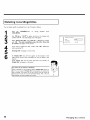
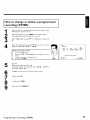
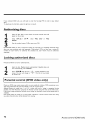
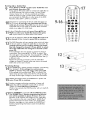
Erasing
1
2
3
4
5
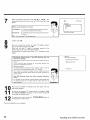
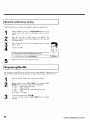
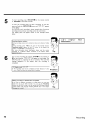
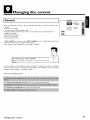
'This
will take...'
will
appear
on the screen
to show
how
long
this process will last.
To confirm,
press OK.
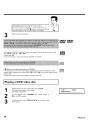
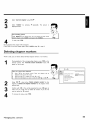
bar moving
from
left
'Working.,.'
to
right
will appear on the screen.
will show
the
progress
of
A
the
editing process.
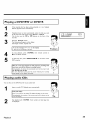
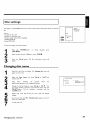
DVD+RWs
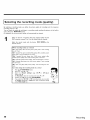
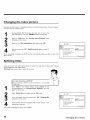
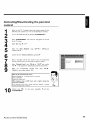
Press
•
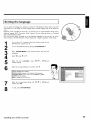
in the 'Disc info display'. The 'Settings
for
menu will
appear on the screen
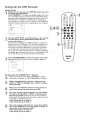
Select 'Erase disc' using CH+A or CH-V and confirm with
OK
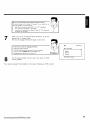
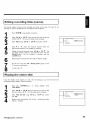
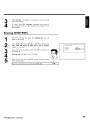
'This will erase all titles' Press OK to confirm'
appears on the screen
Settings for Philipsl
Disc ilame
PhHipsl
Protection
If you want to delete all titles, confirm
by pressing _ .
'Erasing
After
the
disc'
disc
with
OK
Otherwise,
end
/
_1" Erase dlsc
Pte_s OK
will appear on the TV screen.
has been
successfully
erased,
the
index
picture
screen will be empty
I lf the disc is empty already,
Managing disc content
you cannot select 'Erase
disc'.
I
i I)
I
59